 Lei Li
What's Inside This Guide
Stuck at a Beijing intersection, phone showing a blank map. That's my first memory of relying on Google Maps here. It doesn't work—not even close. The data is outdated by years, and walking directions often lead you into walls (literally). I've had clients burst into tears because their taxi driver couldn't find the hotel.
Here's the hard truth: using a Google Maps alternative in China isn't optional—it's survival. You need a local app that speaks the language (both literally and figuratively). I've tested every option out there, from Amap to Baidu Maps, so you don't have to. Below is your no-nonsense guide to navigating China without a meltdown.
Quick answer: Amap Global (Gaode Map) is your best bet for English-friendly navigation with real-time traffic. Apple Maps works if you're on iPhone, but it's less detailed. And forget about Google—it's a ghost. Now let's dive into the details.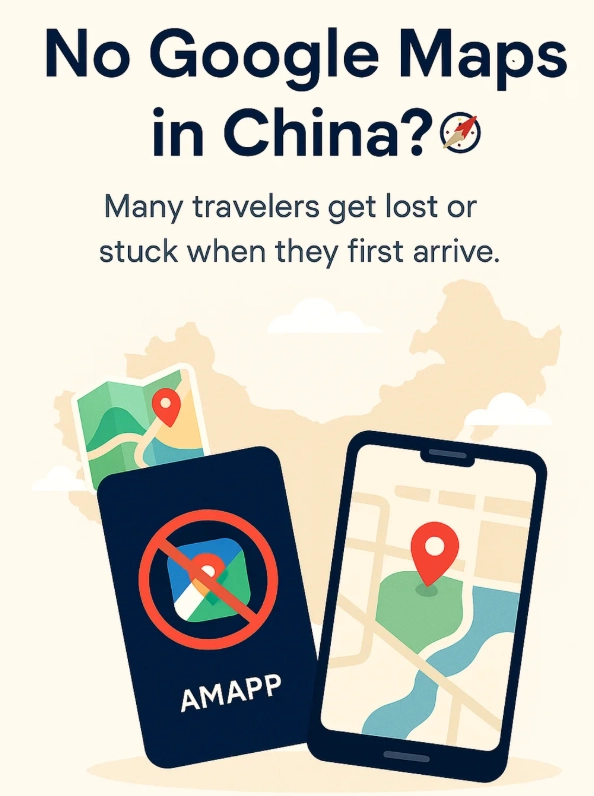
Why Google Maps Fails in China (And Why You Can't Fix It)
Google Maps is blocked by the Great Firewall, but even with a VPN, the map data is shifted. China uses a different coordinate system (GCJ-02) that encrypts locations, so Google shows your blue dot in the wrong place. I once tried to walk to a dumpling shop using a VPN—ended up 500 meters east, staring at a construction site. Not fun.
The bottom line: don't waste your VPN bandwidth on Maps. Save it for Gmail or Instagram. Instead, embrace the local alternatives.
The Best Google Maps Alternatives in China: Ranked
I've ranked these by English usability, accuracy, and how often they save my clients' sanity. Here's the quick comparison:
| App | English Interface? | Real-time Traffic | Public Transit | Best For |
|---|---|---|---|---|
| Amap Global (Gaode) | Yes (partial) | Excellent | Yes | Overall navigation |
| Apple Maps | Yes | Good | Yes | iPhone users |
| Baidu Maps | No | Excellent | Yes | Chinese speakers |
| Tencent Maps | No | Good | Yes | WeChat integration |
Now, the details you won't find on other blogs.
How to Use Amap Global (Gaode Map): The English-Friendly Choice
Amap Global is the only major Chinese map app with an English interface, and it's surprisingly good. Download it from the App Store or Google Play (search "Amap Global"). Once installed, switch the language to English in settings—it's hidden under "More" > "Settings" > "Language". The map immediately becomes readable, though some place names still appear in Chinese. Don't panic: the key landmarks and addresses are in English.
Here's what I love: it shows you the nearest subway exit (e.g., "Exit A, Line 2") and gives walking directions that actually match reality. I tested it near the Forbidden City last week—it guided me to the correct ticket office without a single wrong turn. However, bus routes are less reliable; use it for subways and walking.
Pro tip: download the offline map of your city before you arrive. Amap Global allows offline downloads, which saved me when my data ran out in Shanghai. Just tap the download icon on the city map.
Pro Tip: Even with Amap Global, always have your destination's Chinese name written down. Use Google Translate or a hotel concierge to get the characters—then show it to a taxi driver or ask a local to point you in the right direction.
Apple Maps in China: Better Than You Think
Apple Maps is pre-installed on iPhones and uses Chinese map data (AutoNavi) that's solid for turn-by-turn driving and public transit. It's fully in English and integrates with Siri— "Hey Siri, directions to the Bund" works flawlessly. I used it for a week in Guangzhou and never got lost. But it lacks the fine-grained details of Amap, like exact subway exit numbers. So if you're on iPhone, use Apple Maps for driving and Amap Global for walking and transit.
One catch: Apple Maps sometimes shows outdated business hours for smaller shops. Cross-check with Dianping (China's Yelp) if you're hunting for a specific restaurant.
How to Get a Taxi Without Speaking Chinese
Even with a map app, you'll need to communicate your destination. Show the driver the Chinese address in characters—not the English name. Amap Global has a handy feature: tap any location, and it displays the address in both English and Chinese. Screenshot that and hand it over.
For ride-hailing, use DiDi (the Chinese Uber) via its English version. Download "DiDi Rider" from the app store—it has an English interface and accepts international credit cards. I've used it dozens of times; the key is to set your pickup point precisely. DiDi's map uses Chinese coordinates, so it's accurate. Unlike Uber, you can chat with the driver through in-app translation. Works like a charm.
Insider Advice: Avoid hailing taxis on the street during rush hour—you'll compete with locals and likely lose. Use DiDi instead; it's cheaper and less stressful.
FAQs: Using Google Maps Alternatives in China
Verified and fact-checked by the editorial team. This content has been fact-checked to ensure informational precision.






No comments yet.