 Lei Li
What's inside this guide
I watched a guy at a Beijing noodle shop last week try to translate “no cilantro” using Google Translate. The app spat out “No coriander” — which the server understood — but then the guy pointed at the wrong dish on the picture menu. Total chaos. That's when I realized: finding the right China translation apps for travel is only half the battle. The other half is knowing which app to use *when*.
Here's the unfiltered truth most guides won't tell you: Google Translate is useless without a VPN in mainland China, and even with one, it's slow and clunky. The real MVP is a mix of offline-capable apps, camera translation that works on menus, and a voice tool that understands regional accents. I've tested dozens over the years, and today I'm giving you the exact combo I set up on my own phone before every trip — plus the dumb mistakes that cost me time and money.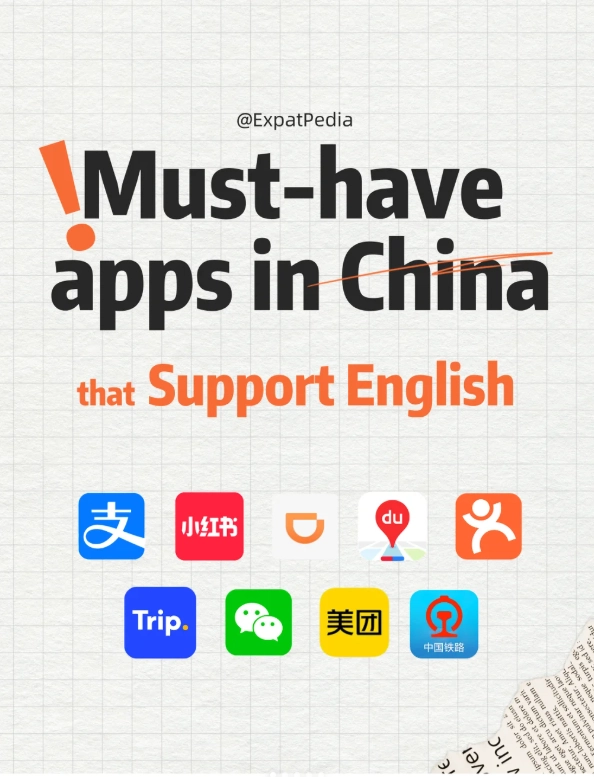
Pro Tip: Before you leave your hotel, download the offline language pack for whatever app you're using. Wi-Fi is spotty in subway stations and at many attractions, and you don't want to be that person holding up the ticket line while your app spins.
Why your go-to translation app fails in China
Most travelers arrive with Google Translate installed. Then they land, try to use it, and watch it buffer for 30 seconds. That's because Google services are blocked in China, and your standard VPN rarely plays nice with the app's real-time voice feature. I've seen people give up and revert to pointing and grunting — which works for basic stuff, but not when you need to explain a medication allergy or ask if a dish contains peanuts.
What's the workaround? You need apps that either work fully offline or are built for the Chinese internet ecosystem. And here's the non-obvious part: even if an app works offline for text, its voice recognition often requires a connection. I learned that the hard way in a taxi in Chengdu when my offline app couldn't understand the driver's Sichuan-accented Mandarin. Now I always carry a secondary app for voice.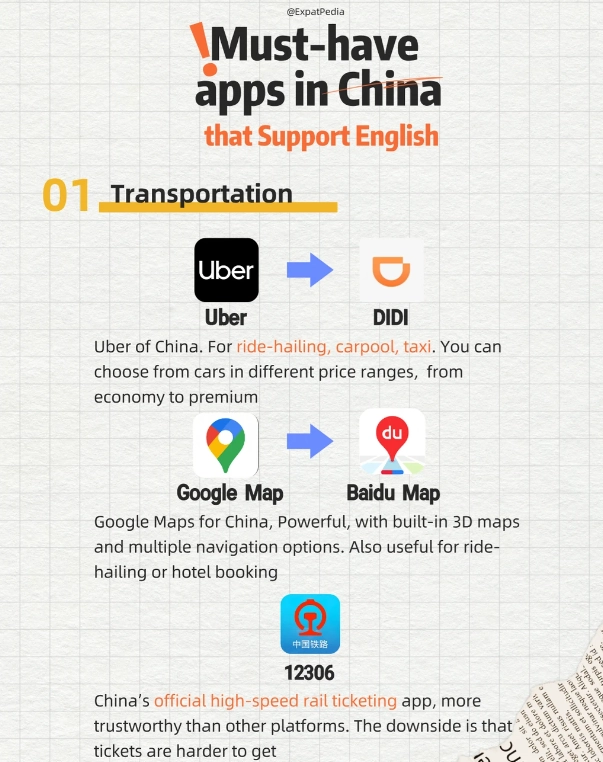
Top 3 China translation apps for travel that actually work
After years of trial and error, I keep three apps on my phone. Each has a specific job, and none of them is perfect. Here's the breakdown, along with the cold, hard truth about what each one does well and where it falls flat.
1. Pleco — the dictionary king for text and menus
Pleco is the only app I've found that reliably translates individual Chinese characters on signs and menus even without data. The free version includes a camera-based OCR that works on printed text, and the paid add-on (around $10) unlocks handwriting input and offline audio. I use it constantly at markets where there's no English menu. The camera mode is fast, and you can tap any character to see its meaning and pronunciation. The downside? It's not great for full-sentence translation — it's more of a dictionary on steroids. So for conversations, you'll need something else.
Where to get it: Search “Pleco” in the App Store or Google Play. The base app is free; the optical add-on is a one-time purchase. I recommend buying it before your trip — the in-app purchase sometimes fails with foreign credit cards due to China's payment restrictions.
2. Baidu Translate — the voice and conversation workhorse
Baidu Translate is the best free app for spoken conversation because it's built for Mandarin and handles accents better than Google. The voice mode lets you speak English and it replies in Chinese (and vice versa), and it's surprisingly accurate even with my terrible tones. I've used it to negotiate with taxi drivers and order street food, and it rarely lets me down. The app also has a camera mode for menus, though it's not as crisp as Pleco's for small text. The catch? The interface is entirely in Chinese by default — but you can switch to English in settings. Just fumble through the first screen; it's worth it.
Download it from your app store before you fly. Like all Baidu apps, it works fine on foreign phones without a VPN. And it's free, which is a bonus.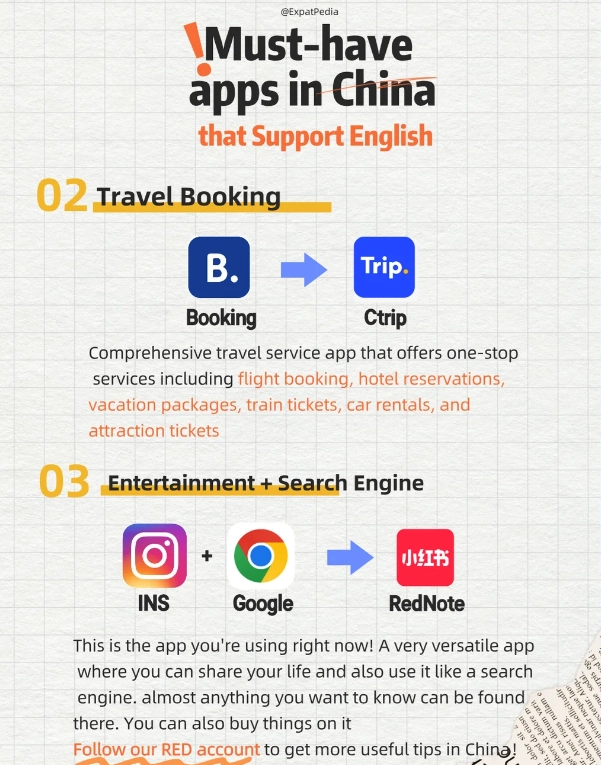
3. WeChat's built-in translation — the sneaky shortcut
Most travelers don't realize WeChat has a built-in translation tool that works on text messages and even scanned images. If you're already using WeChat to communicate with hotels or guides, you can long-press any Chinese message and tap “Translate” to get an English version. It's not perfect, but it's instant and requires no extra app. I use this when a hotel sends me check-in instructions in Chinese. The limitation: it only works within WeChat, so you can't use it to translate a menu on the street. But for logistics, it's a lifesaver.
Here's a comparison table to help you decide which app to use when:
| App | Best For | Offline Capable? | Voice Translation? | Cost | My Verdict |
|---|---|---|---|---|---|
| Pleco | Reading menus, signs, characters | Yes (text & camera) | No (dictionary only) | Free; ~$10 for OCR add-on | Essential for solo diners |
| Baidu Translate | Conversations, voice input | Partial (text offline, voice needs data) | Yes | Free | Best for talking to locals |
| WeChat Translate | Text messages, quick logistics | Yes (within WeChat) | No | Free (needs WeChat account) | Handy if you're already on WeChat |
How to use them like a pro (with a 24-hour scenario)
Let's say you've got 24 hours in Shanghai and you want to eat your way through the city without a guide. Here's how I'd set up my apps and what I'd do at each meal.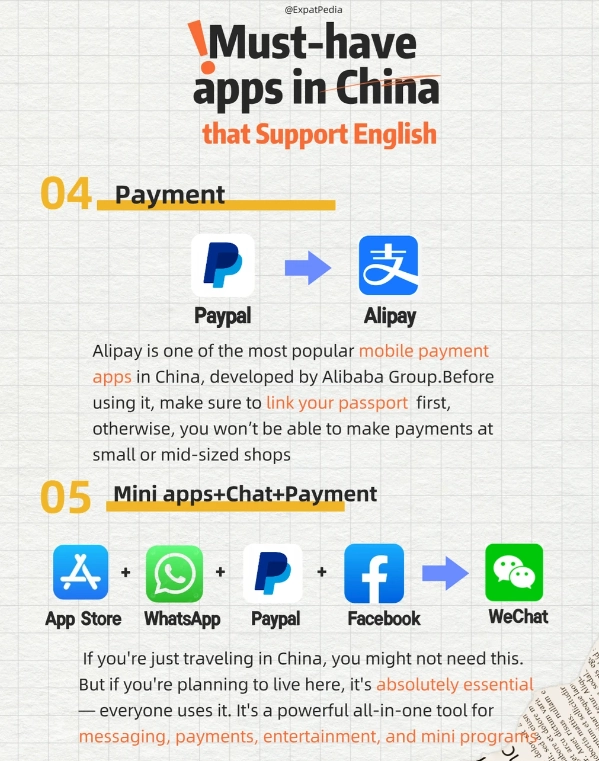
Morning: I open Pleco and use the camera to scan the breakfast menu at a local bakery. It translates “豆浆” (soy milk) and “油条” (fried dough stick) instantly. No data needed. I order by pointing at the characters. Total time: 30 seconds.
Lunch: I'm at a noodle shop with no English menu. Out comes Baidu Translate in voice mode. I say “I want beef noodles, no cilantro.” The app speaks the Chinese to the server. She nods. I also use the camera mode on the specials board to see if there's anything I missed. The translation is a bit garbled (“explode spicy” for a dish name), but I get the gist.
Afternoon: I get a text from my hotel with the Wi-Fi password and checkout time — in Chinese. I long-press and tap “Translate” in WeChat. Done.
Dinner: I'm at a fancy restaurant where the menu is in English, but I want to ask about a dish's ingredients. I use Baidu Translate's voice mode again. The waiter understands. But here's the catch: the restaurant's Wi-Fi is weak, so the voice translation lags. I switch to Pleco to type the ingredient I'm allergic to — “花生” (peanuts) — and show the screen. That works.
Pro Tip: Always have a screenshot of your allergies or dietary restrictions in Chinese saved in your photo album. Apps fail; screenshots don't. I keep one that says “I am allergic to peanuts and shellfish” in large characters.
Quick answers to real traveler questions
Can I get by with just Google Translate if I have a VPN?
Technically yes, but you'll waste time waiting for it to connect. I've had clients who insisted on using Google and ended up frustrated in a taxi because the voice mode wouldn't load. The VPN often drops when you move between networks, so you're constantly reconnecting. Better to have a backup that doesn't rely on a VPN at all.
Which app is best for translating Chinese handwriting?
Pleco. Its handwriting input recognizes even messy strokes, and it works offline. I've used it to decipher addresses scribbled by a hotel clerk. Baidu Translate also has handwriting, but it's less forgiving if your stroke order is off.
Do these apps work on an iPhone without a Chinese Apple ID?
Yes, all three are available on the international App Store. You might not find some Chinese-only apps, but Pleco and Baidu Translate are both there. Just search for them and download before you leave your home country.
How do I translate a conversation with a taxi driver who speaks a dialect?
Use Baidu Translate's voice mode and speak slowly. If the driver doesn't understand, show the Chinese text on your screen. In cities like Guangzhou or Chengdu, the local dialect can be tricky even for standard Mandarin speakers. I always have the address written in Chinese characters on my phone — that's more reliable than any voice app.
Verified and fact-checked by the editorial team.







No comments yet.