 Lei Li
Quick Lookup
Why You Need This
Let me be honest — I've been guiding travelers in Beijing for years, and the subway is the #1 headache for first-timers. Even though stations have English signs, the ticket machines? Mostly Chinese. Apple Maps kind of works, but Google Maps is a mess. Last week a tourist from Australia spent 20 minutes trying to buy a single ticket because the machine only accepted coins she didn't have. Ridiculous, right?
But here's the good news: once you know a few tricks, the Beijing subway becomes your best friend. It's cheap, fast, and covers almost every corner of the city. This guide gives you the exact steps I teach my clients — no fluff, just what you need.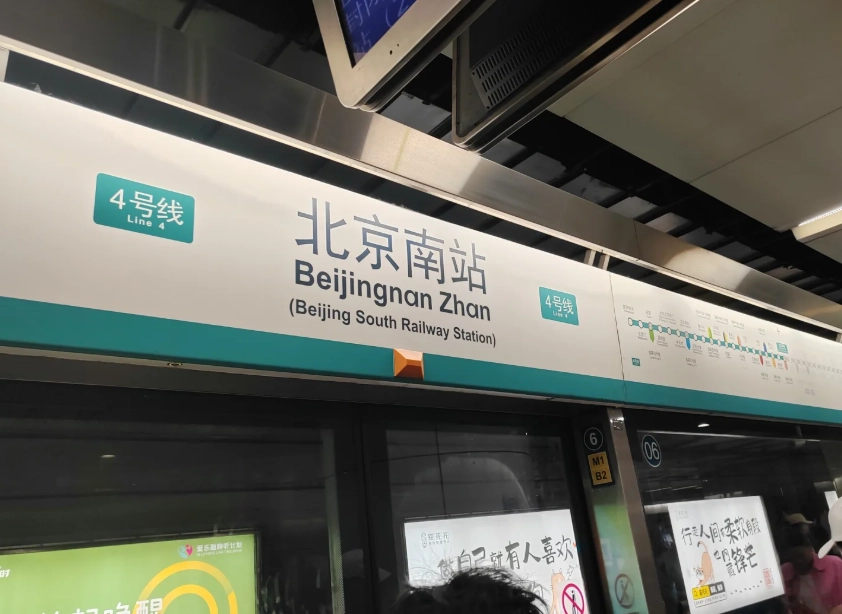
Buying Tickets in English
Option 1: Use the English-Language Ticket Machines
Every station has at least one machine with an English interface. Look for the one with a small "EN" sticker on the screen. Tap it, select your destination line, and pay with a 10 or 20 RMB bill (coins also work). The machine gives change — but note: it does not accept 50 or 100 RMB notes. I've seen people stuck because they only had big bills. Keep small cash if you go this route.
Option 2: Buy a Beijing Subway Pass (Yikatong)
If you're staying more than 2 days, get a Yikatong card. You can buy it at any station's service window — just say "Yi-ka-tong" or show the phrase on your phone. The card costs 20 RMB deposit (refundable) and you load credit. It works on all lines and even on buses. To load credit, use the same machines or the service window. You'll save time avoiding ticket lines.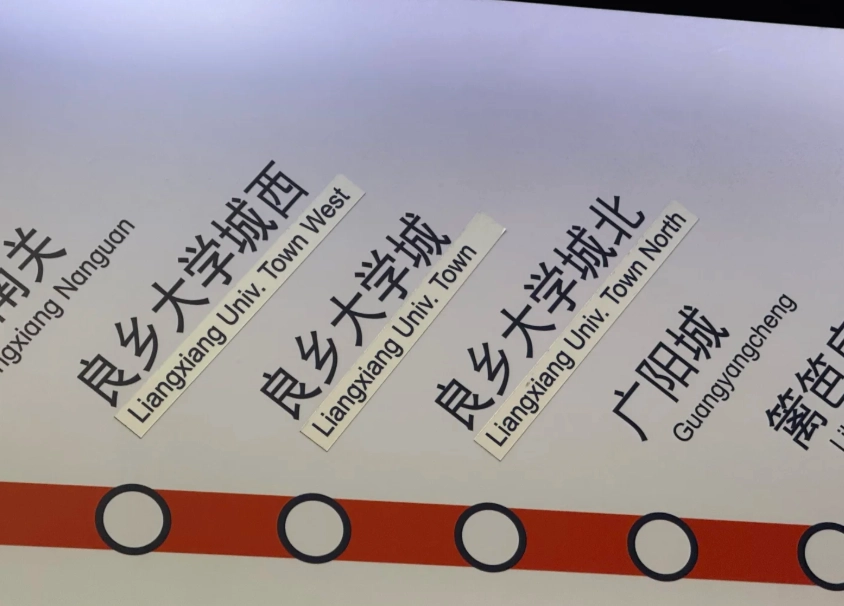
Option 3: Use Alipay's QR Code
If you have Alipay set up with an international card, you're in luck. Open Alipay, click "Transport" (it's in English if your app is set to English), then select "Beijing Subway QR code." Scan the code at the turnstile. No cash, no card needed. But — and this is a big but — many international cards work only if you've properly verified your account. I recommend testing it at a convenience store before trying the subway.
Lines & Stations in English
Beijing's subway has 27 lines, all color-coded. The line numbers and names are bilingual. For example, Line 1 is the dark blue line running east-west under Chang'an Avenue. Key tourist lines:
| Line | Color | Key Stations (English/Chinese) | Tourist Sites |
|---|---|---|---|
| Line 1 | Dark Blue | Wangfujing (王府井), Tiananmen East (天安门东) | Forbidden City, Tiananmen Square |
| Line 2 | Blue | Qianmen (前门), Yonghegong (雍和宫) | Beijing Railway Station, Lama Temple |
| Line 4 | Light Green | Xizhimen (西直门), Haidian Huangzhuang (海淀黄庄) | Summer Palace (take bus from Xiyuan) |
| Line 5 | Purple | Dongdan (东单), Tiantan (天坛) | Temple of Heaven |
| Line 10 | Light Blue | Guomao (国贸), Shuangjing (双井) | CBD area, connects to airport express |
Every station has English signs for exits (A, B, C, D) and directions. But here's a detail most guides miss: the voice announcements inside the train are bilingual — first Chinese, then English. Listen for the English part. If you're in a crowded car, stand near the doors so you can see the station name on the digital map above the doors. It shows the next station in both languages.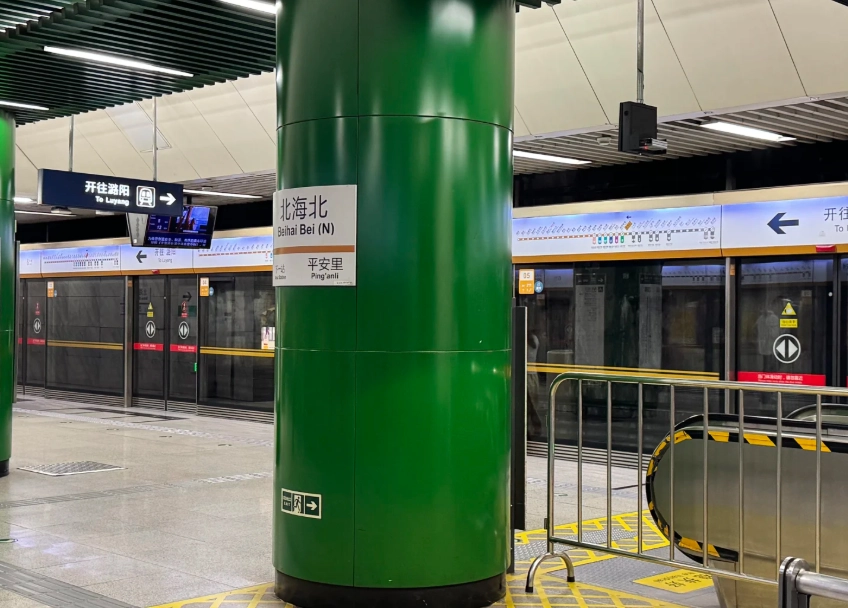
Payments: Alipay, WeChat & Cash
Back to the cash nightmare. Ticket machines only take small bills and coins. Most machines also accept Alipay and WeChat Pay QR codes — but only if you have the Chinese version of the app with a connected bank card. Foreign cards usually don't work for these QR payments. So, your best bets:
- Use cash at manned booths (they accept any bill, even 100 RMB).
- Buy a Yikatong card with cash at the service window.
- Use Alipay's Transport QR code (if successfully set up).
Navigation Tools That Actually Work
Google Maps is banned in China (it gives wrong directions). I repeat: do not rely on Google Maps for subway navigation. Here's what I use:
- Apple Maps — Surprisingly accurate for Beijing transit. It shows subway lines, schedule, and exit numbers. Works offline if you download the area before.
- Baidu Maps — The local favorite. Even in Chinese, you can type Pinyin (e.g., "Tiananmen") and it shows English options. Download it from the App Store before you arrive (or use a VPN).
- MetroMan 北京 subway app — A third-party app with an English interface. It has a map, route planner, and even time estimates. Free for basic use.
One more thing: when you need to find the right exit, look for the station's "Exit information" board near the ticket gates. It lists landmarks in English, e.g., "Exit A: National Museum, Exit B: Tiananmen Square." That's more reliable than your phone.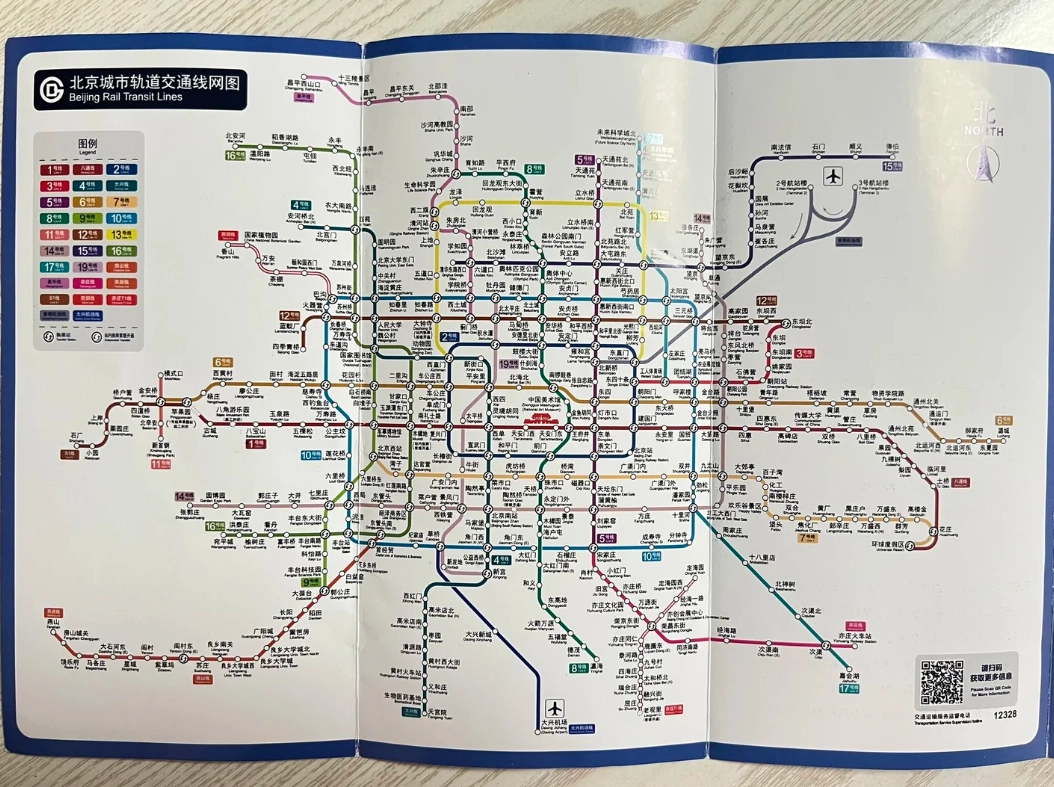
Common Pitfalls & How to Avoid Them
Pitfall 1: Wrong direction platform
Beijing's stations often have platforms on opposite sides for opposite directions. Double-check the sign above the platform — it shows the next station and terminus. If you get on the wrong direction, get off at the next station and cross over. No extra charge if you exit within the same station.
Pitfall 2: Peak hour crush
7:30–9:00 AM and 5:00–7:00 PM are brutal. If you have luggage or hate crowds, avoid those times. I once watched a backpacker get stuck between closing doors — his bag was inside, he was outside. Don't be that person. Use the luggage-carrying escalator at larger stations (like Beijing West Railway Station).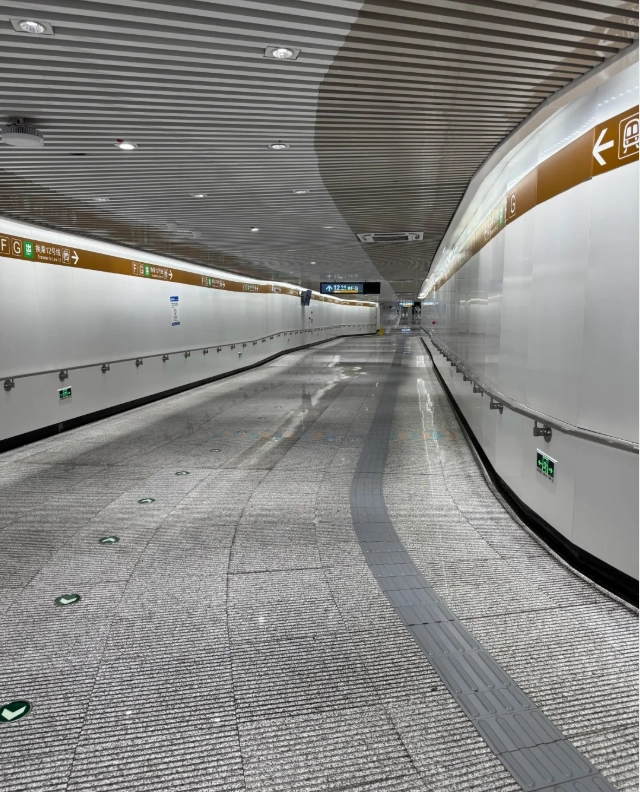
Pitfall 3: No Wi-Fi underground
Cell service is spotty in tunnels. Download your offline map or screenshot your route before descending. The station itself may have free Wi-Fi (connect to "MyBeijing-WiFi"), but it requires a Chinese phone number to log in. Again, prep your route above ground.
Pitfall 4: Not knowing when to tap out
If you use a single-journey token, you must insert it into the exit gate. If you use a Yikatong card or QR code, tap it on the yellow reader. If you don't tap out, the system may block your card for future use. To fix it, go to a service window with your passport.
Frequently Asked Questions
Verified and fact-checked by the editorial team.








No comments yet.