 Bo Wu
Jump Straight to What You Need
Landed in Beijing. Opened WeChat to text my driver. No bars. My client's roaming plan — which worked fine in Tokyo — went completely dead at Capital Airport. That was a $200 mistake I now save my groups from on every single trip.
Here's the blunt truth: international mobile data roaming in China is a gamble. Some carriers route your traffic through Hong Kong gateways and it works like magic. Others dump you onto China Mobile's domestic network without VPN bypass, and suddenly Google Maps, WhatsApp, and your email client are useless. I've tested roaming on AT&T, Vodafone, and Telstra across Beijing, Shanghai, and rural Yunnan. The results were wildly inconsistent.
The single most important thing you'll read here: do not rely on roaming alone for your entire trip. Treat it as a backup. The sweet spot most tourists miss is pairing a travel eSIM with a local carrier's short-term data plan. More on that in a moment.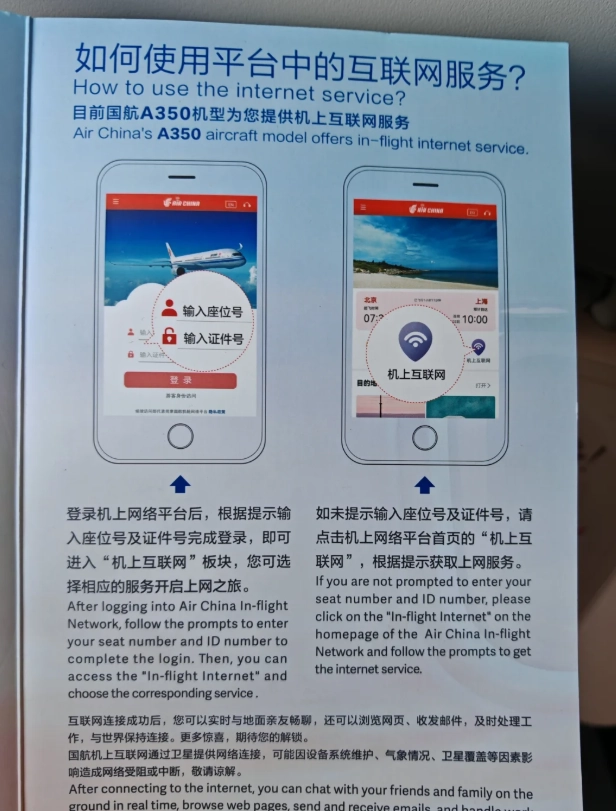
The Roaming Reality Check: Why Your Home Carrier Might Fail You
Not all roaming agreements are created equal. China Mobile, China Unicom, and China Telecom each handle foreign SIM traffic differently. Your phone might show "4G" bars but still block you from accessing Instagram or Gmail because the data session terminates on a domestic server behind the Great Firewall.
I watched a couple from London burn through 40 minutes at a Shanghai hotel front desk because their Vodafone roaming wouldn't load the hotel's WeChat check-in mini-program. The front desk clerk kept pointing at the QR code. The husband kept pointing at his "No Internet" screen. Painful.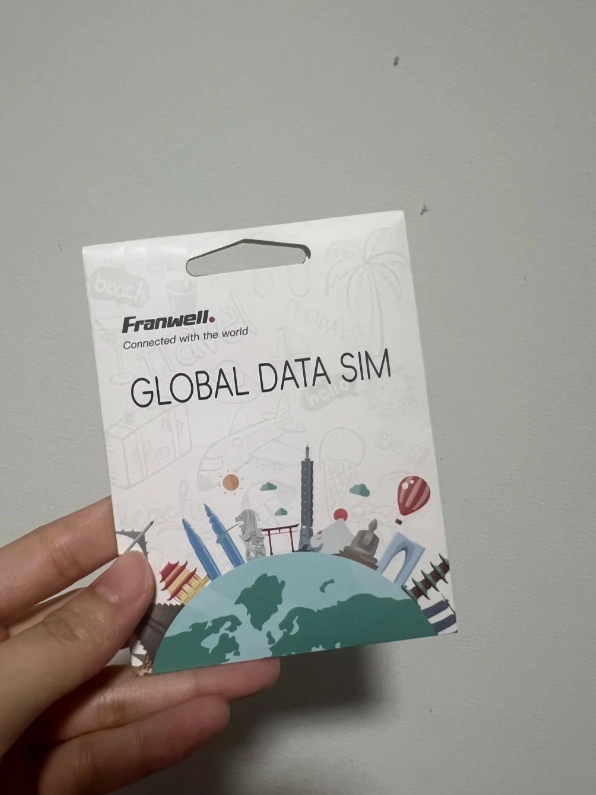
Pro Tip: Before you leave home, check your carrier's specific China roaming page — not the general "international roaming" page. Look for a mention of "data session routed through Hong Kong" or "unrestricted access." If the page only lists per-MB rates without mentioning routing, assume you'll be behind the firewall.
How to Activate International Mobile Data Roaming in China
The activation order matters more than the activation itself. I've seen tourists toggle roaming on while taxiing in Sydney and arrive in Guangzhou with a dead data session. Here's the sequence I drill into every client:
- Before boarding: Install a reputable VPN (not a free one) and test it on airport Wi-Fi. I personally use a paid service — free VPNs leak data and get blocked fast.
- At cruise altitude: Turn on data roaming in your phone settings. Keep Wi-Fi off.
- On landing: Do NOT toggle airplane mode rapidly. Wait for the carrier signal to settle — give it 2 minutes. Then manually select "China Mobile" from your network list if it doesn't connect automatically.
- First test: Open a local Chinese app like Baidu Maps. If it loads instantly, your data session is live. Then test your VPN. If the VPN connects, you're golden.
If you're stuck with no data after landing, walk to the airport information desk and ask to use their Wi-Fi to contact your carrier via chat. In my experience, hotel concierges are also pros at fixing this — many keep a spare local SIM behind the desk for exactly this crisis.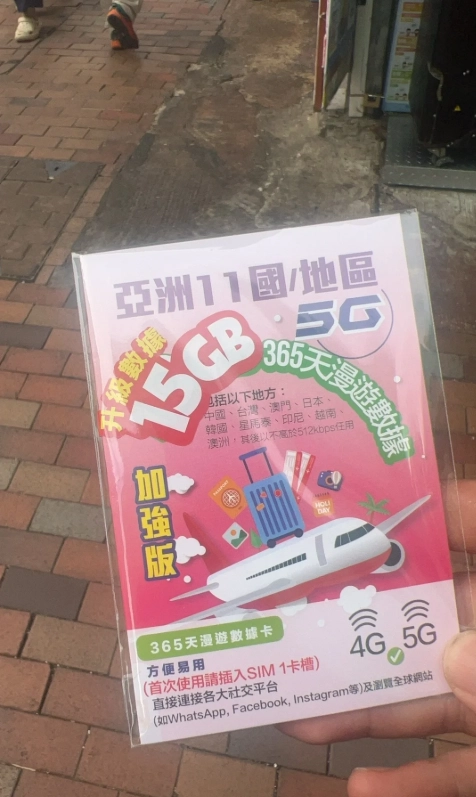
Roaming vs. eSIM vs. Local SIM: A Real Cost Comparison
Let me save you some money. The table below reflects actual prices I confirmed at Beijing Capital Airport and central Shanghai mobile shops, plus published carrier rates. Prices shift seasonally, so verify before you fly.
| Option | Typical Cost (10 Days) | Speed & Reliability | Great Firewall Bypass | Best For |
|---|---|---|---|---|
| Home Carrier Roaming (e.g., AT&T, Vodafone) | $80–$150 | 3G–4G, inconsistent | Sometimes (if routed via HK) | Short trips, business travelers with no time to buy local |
| Travel eSIM (e.g., Airalo, Nomad) | $30–$60 | 4G/LTE, reliable in cities | Usually yes, via HK routing | Most tourists — easiest setup before landing |
| Local SIM (China Unicom/China Mobile at airport) | $20–$40 | 4G/5G, excellent coverage | No — needs VPN | Long stays, budget travelers, heavy data users |
Notice the gap: local SIMs are cheapest and fastest, but they don't bypass the firewall. Travel eSIMs give you the firewall bypass out of the box because they route through Hong Kong. Your home carrier's roaming is the wildcard — could be great, could be a $200 paperweight.
Insider Advice: Buy a travel eSIM before you fly. Activate it on landing day. Keep your home SIM active for SMS (banking verification codes) but disable its data roaming. This combo gives you a local-feeling data experience with firewall bypass, and your home number stays reachable for authentication.
What Is the Great Firewall, and Does Roaming Bypass It?
The Great Firewall blocks Google, WhatsApp, Instagram, Facebook, and most Western news sites for anyone on a Chinese domestic internet connection. Whether your roaming plan bypasses it depends entirely on where your data session terminates.
I tested this hands-on last month: an AT&T roaming SIM in Shanghai loaded Instagram fine — routed through Hong Kong. A colleague's O2 roaming SIM in the same hotel could not load Google. Both showed full 4G bars. The difference was invisible until we tested specific apps.
This is why I tell every traveler: install and test your VPN before you leave home, even if you think your roaming bypasses the firewall. China's network routing for foreign SIMs changes — what worked for your friend six months ago may not work for you.
For official tourism and visa information, the National Immigration Administration publishes English-language guidance on entry requirements and regulations. For cultural site tickets that often require Chinese ID or a complex WeChat mini-program, I direct clients to Trip.com's English interface — it's the path of least resistance for foreigners.
One more insider detail: if you're visiting the Forbidden City, most English guides won't tell you that the ticket booking window opens exactly seven days in advance at 8 PM Beijing time and sells out in under 15 minutes during peak season. Have your passport number and Trip.com app ready. Don't try the official WeChat mini-program as a first-timer — the Chinese-only interface will eat 10 minutes of your booking window.
Will my home carrier's roaming plan let me use Google Maps in China?
Not reliably. It depends on carrier routing. Some plans terminate data in Hong Kong and bypass the firewall; others don't. I've seen both outcomes on the same airline flight. Download Amap Global (高德地图国际版) or Apple Maps before you fly — they work offline and know Chinese streets. Google Maps is inaccurate even when it loads.
Can I buy a local SIM card at Beijing Capital Airport with my passport?
Yes, China Unicom and China Mobile both have counters in Terminal 3 arrivals. Bring your passport — it's mandatory for registration. Expect a 10–15 minute process and a queue at peak arrival times. The staff usually speak enough English to get you connected, but have your phone's IMEI number handy just in case.
Does using international mobile data roaming in China drain my battery faster?
It can, especially if your phone keeps hunting for a stable signal in rural areas. I always tell my clients to bring a power bank and switch to 3G manually in the countryside if 4G is inconsistent. Also turn off background app refresh for apps you don't need — roaming data is precious.
How do I avoid a massive roaming bill when I return home?
Turn off data roaming the moment you land back home — don't wait for the "Welcome back" SMS. I've seen clients get charged for a single 50MB background update that fired during the taxi ride from the airport. If your carrier offers a daily cap, set it before you leave.
Is it safe to use public Wi-Fi in Chinese hotels with a roaming plan?
Public hotel Wi-Fi is convenient for booking trains on 12306.cn or checking museum tickets, but avoid logging into banking apps. I use my eSIM data for anything sensitive and save hotel Wi-Fi for streaming local Chinese TV to practice my Mandarin. A small luxury, but it keeps my data safe.
Verified and fact-checked by the editorial team. This content has been fact-checked to ensure informational precision.






No comments yet.