 Gang Zheng
What You'll Find Here
Let me guess — you landed in Beijing, turned on your phone, and saw "No Service." Panic hit. I've watched dozens of travelers scramble at baggage claim, desperately asking for Wi-Fi. Don't be that person. The best SIM card for China travel isn't just about data — it's about surviving the Great Firewall. After guiding groups for years, I've tested nearly every option. Here's what actually works.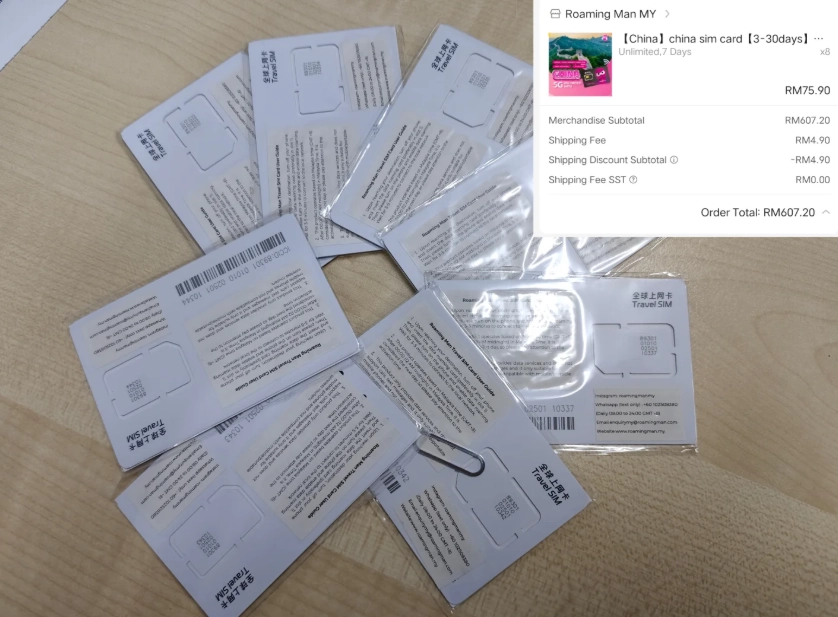
Why You Can't Just Roam
Your home carrier's international roaming plan looks convenient — until you try to open Google Maps. China blocks many Western services, and roaming often routes traffic through slow, filtered gateways. Plus, costs spiral fast. I had a client who paid $80 in one day just for basic WhatsApp. Avoid that trap.
Instead, get a local Chinese SIM or an eSIM designed for China. Both give you a mainland IP address, which means faster speeds and fewer blocks. Most importantly, you'll need a local number to register for apps like DiDi (China's Uber) and to buy train tickets on Trip.com.
Physical SIM vs eSIM: Which Wins?
Here's the deal: eSIMs are more convenient — you can buy and activate before you fly. But not all phones support eSIM (check your model). Physical SIMs are universal, but you'll need to visit a store or have one delivered. Let's compare.
| Feature | Physical SIM | eSIM |
|---|---|---|
| Availability | Airport shops, convenience stores, online pre-order | Online providers (Airalo, Holafly, Nomad) |
| Activation | Insert card, sometimes requires passport scan at store | Scan QR code, activate within minutes |
| Phone compatibility | All unlocked phones | iPhone XS / XR or newer; many Android flagships |
| Number provided | Local Chinese number (needed for apps) | Usually data-only or virtual number (limited app registration) |
| Top-up | Easy at convenience stores or via WeChat | Via provider app; sometimes tricky |
| Cost (30 days) | $20–40 for 20–40GB | $25–50 for 10–30GB |
My recommendation: If your phone supports eSIM and you want a local number for app registration, get an eSIM from a provider that includes a phone number (like China Unicom eSIM through Trip.com). Otherwise, grab a physical SIM at the airport upon arrival — it's hassle-free.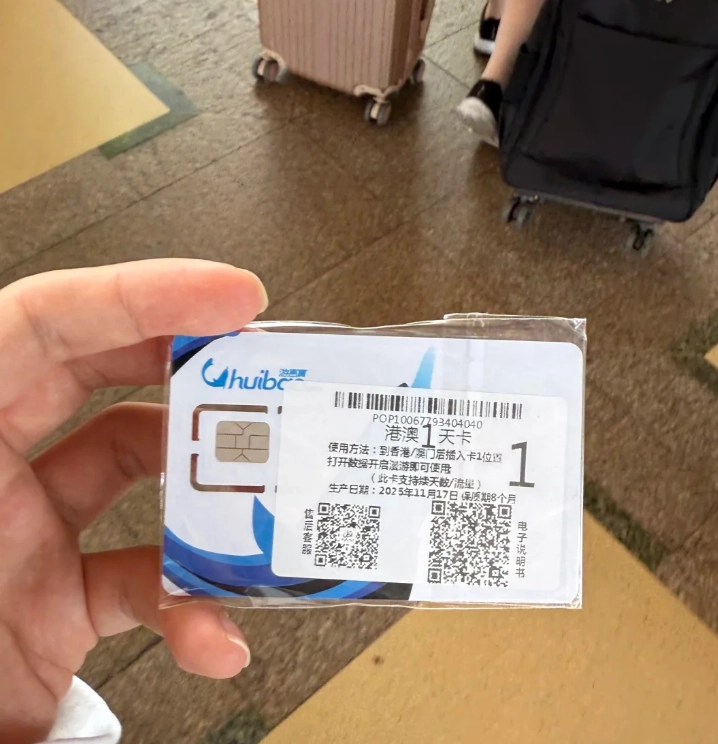
Top Carriers and Plans Compared
Three state-owned giants: China Mobile, China Unicom, and China Telecom. All work nationwide, but speeds vary by region. For tourists, China Unicom is the most foreigner-friendly — their airport counters often speak English and have ready-made tourist SIMs.
| Carrier | Tourist Plan Example | Data & Validity | Price | English Support |
|---|---|---|---|---|
| China Mobile | "Travel Enjoy" | 30GB / 30 days | ~$35 (¥250) | Limited English; counter at major airports |
| China Unicom | "Foreign Tourist SIM" | 40GB / 30 days | ~$28 (¥200) | Good English at counters; easy registration |
| China Telecom | "Visitor Card" | 20GB / 15 days | ~$18 (¥130) | Minimal English; best in southern cities |
Where to Buy Your SIM (Airport vs Online)
At the Airport
Convenient but queues can be long. At Shanghai Pudong, I waited 45 minutes at China Mobile. Tip: Land at a less busy terminal (e.g., PVG T2 is often faster than T1). Bring a printed copy of your hotel address — they'll ask for it during registration.
Online Pre-order (Pickup or Delivery)
I recommend Klook or TravelChinaSIM. Order a SIM before departure and pick it up at a designated counter in the airport. Some services even ship to your home country. Example: TravelChinaSIM offers a 30-day 20GB plan for $22, delivered to your hotel in China. You activate by scanning a QR code.
eSIM Providers
For the ultimate convenience, buy an eSIM from Airalo or Nomad. Download the app, purchase a China plan, and install the eSIM profile before you fly. You'll have data the moment you land. Downside: Most eSIMs are data-only. If you need a local number for DiDi, consider a dual-SIM setup: eSIM for data + physical SIM for calls/SMS.
Activation Tips: Don't Get Stuck Like I Did
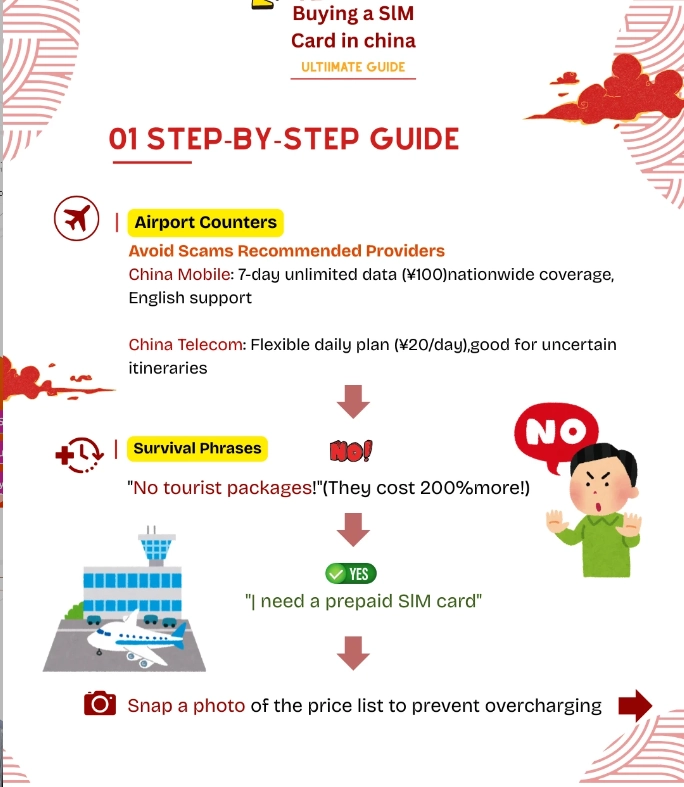
Here's a mistake I see constantly: travelers buy a SIM but can't activate because they didn't complete the real-name registration. Chinese law requires your passport to be scanned and linked to the SIM.
- At a store: The staff does it for you. Always double-check that data works before leaving the counter. I once walked away, and my SIM didn't activate for 2 hours because the clerk forgot to push the final button.
- With an eSIM: Activation is instant. But if your eSIM provider didn't pre-register your passport, you might need to upload a photo of it on their website. Do this before your trip — uploading from within China is slow because of the firewall.
VPN Essentials: You'll Need One
Even with a Chinese SIM, Google, Facebook, Instagram, and WhatsApp are blocked. You must install a VPN before you leave home. My go-to is ExpressVPN or NordVPN — they have servers that reliably bypass the firewall.
Critical: Download the VPN app and test it before you land. Once you're on Chinese soil, the app stores are blocked, and you won't be able to download it. I've had to hotspot a client's laptop to a pre-configured VPN just so they could message their family.
Alternatively, newer iPhones can use Apple's built-in VPN, but it's less reliable. For Android, Clash and V2Ray are popular but require technical setup.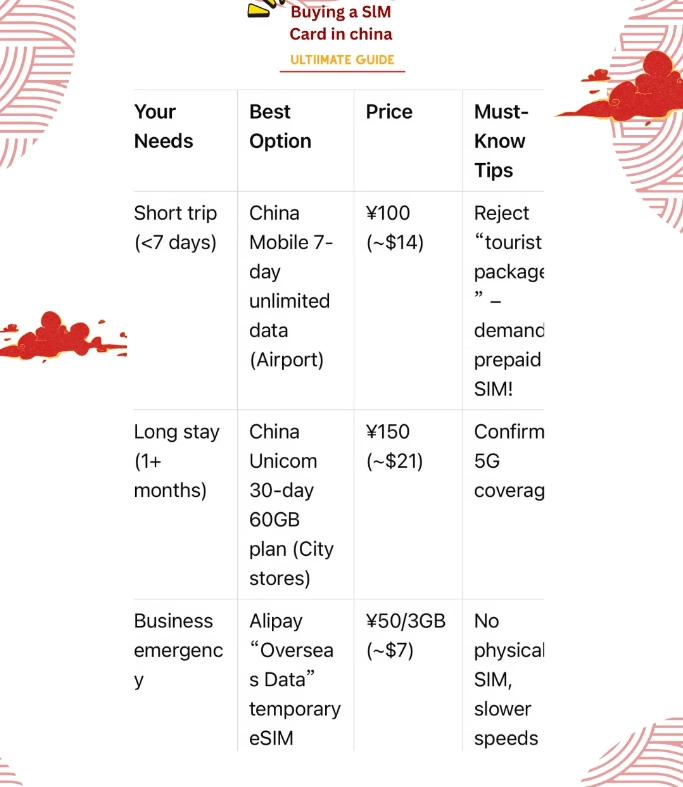
Frequently Asked Questions
This content has been fact-checked to ensure informational precision.








No comments yet.