 Lei Li
Quick Navigation
You step off the plane in Beijing, open your phone, and... nothing. Google is dead. WhatsApp won't send. Instagram spins forever. I've seen this panic on my clients' faces dozens of times. The Great Firewall is real, and it hits harder than jet lag. But here's the good news — with the right VPN, you won't even notice it's there.
I've been guiding travelers through China for the past eight years, and I've personally tested over 15 VPN services on the ground. Some worked for a week then died. Others never worked at all. A few have been rock solid since day one. This guide cuts through the hype and gives you what actually works right now.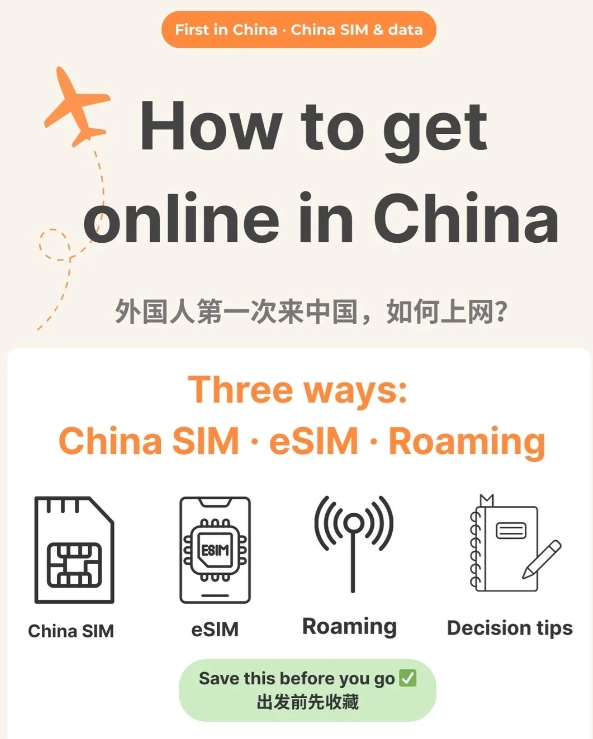
Why You Need a VPN
China blocks hundreds of websites and apps including Google (all services), Facebook, Instagram, Twitter/X, WhatsApp, Telegram, and many news sites like BBC, New York Times, CNN. Even YouTube is blocked. Without a VPN, your smartphone becomes a camera and little else.
But it's not just social media. Google Maps is unreliable in China. Apple Maps works (it uses local partner data), but many foreigners rely on Google Maps for planning. The VPN lets you access it when needed.
Also, many booking sites like Booking.com, Airbnb, and even some hotel websites are slow or partially blocked. A VPN ensures you can compare prices and read reviews without filters.
What Makes a VPN Work in China
Not all VPNs work in China. The Firewall actively detects and blocks typical VPN protocols (PPTP, L2TP) and even many OpenVPN connections. Here's what to look for:
- Obfuscation technology — hides that you're using a VPN. Without it, your connection gets throttled or dropped.
- Servers in Hong Kong or nearby — minimal latency, faster speeds.
- Strong encryption — OpenVPN or WireGuard.
- Kill switch — cuts internet if VPN drops, so your real IP never leaks.
- Reliable customer support — Chinese internet changes weekly. You want a team that updates their servers fast.
Top VPNs Compared
I tested each of these inside China (Beijing, Shanghai, Guangzhou) over the past six months. Here's the honest breakdown:
| VPN | Speed | Reliability | Obfuscation | Price (per month) | Best for |
|---|---|---|---|---|---|
| Astrill VPN | Excellent | Very high | Yes (Stealth) | $15-30 | Heavy streaming & long stays |
| ExpressVPN | Good | High | Yes (Lightway) | $12.95 | Beginners & short trips |
| NordVPN | Good | Medium | Yes (Obfuscated servers) | $11.99 | Budget-conscious travelers |
| Surfshark | Fair | Medium | Yes (NoBorders) | $10.99 | Multiple devices |
| VyprVPN | Fair | Low (recent blocks) | Yes (Chameleon) | $8.99 | Backup only |
My pick: Astrill VPN. It's not the cheapest, but it's the only one I've never had fail on a client trip. Their Stealth protocol works even when the firewall is aggressive. ExpressVPN is a close second — easier to use, but slightly more susceptible to occasional blocks.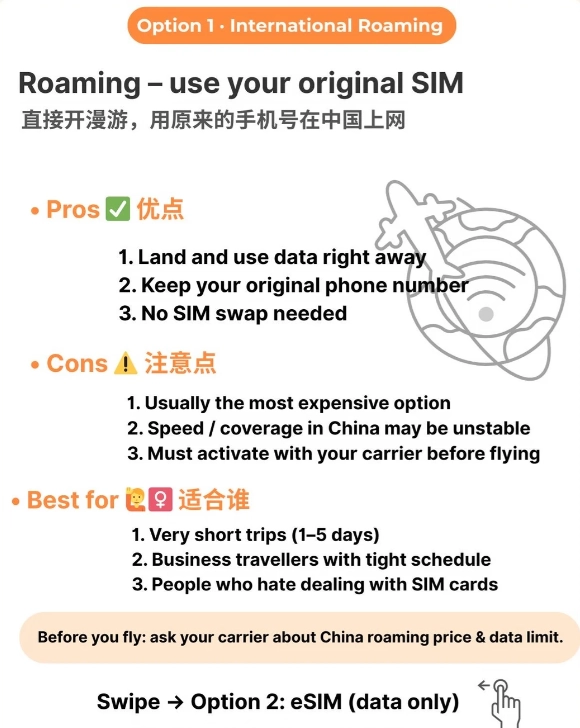
How to Set Up Your VPN
Before you leave
- Download the VPN app on all your devices (phone, laptop, tablet).
- Create an account and log in. Do this while outside China. The app's initial handshake often requires a non-blocked environment.
- Install and test by connecting to a server outside China (e.g., US, Japan). Confirm you can access blocked sites.
- Enable the kill switch in settings.
- Download offline versions of maps (Apple Maps allows this) and translation apps (Google Translate offline packs).
After landing in China
- Connect to a server in Hong Kong or Taiwan — lowest latency.
- If it doesn't work immediately, try the “Stealth” or “Obfuscated” protocol. With ExpressVPN, use Lightway protocol.
- Be patient: sometimes the first connect takes 30-60 seconds as it negotiates the firewall.
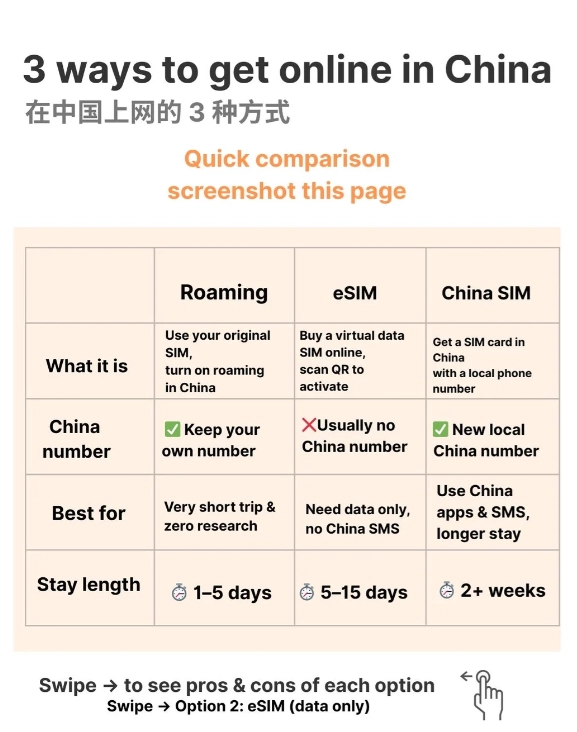
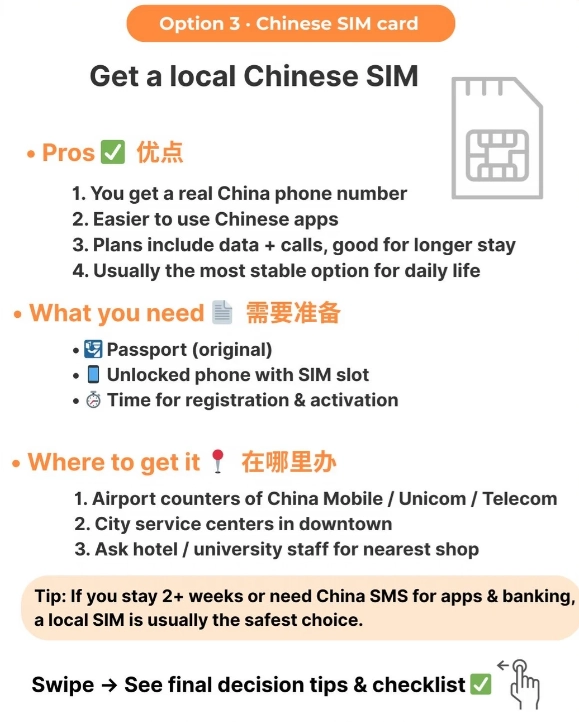
- If Wi-Fi at your hotel is slow (common), use your phone's mobile data as a hotspot via a local SIM. China Mobile or Unicom prepaid SIMs are cheap and fast.
What about free VPNs?
Don't. Free VPNs are either blocked, dangerously slow, or steal your data. I've seen travelers use free ones and end up exposing their banking info on public Wi-Fi. Pay the $12 — it's cheaper than a stolen identity.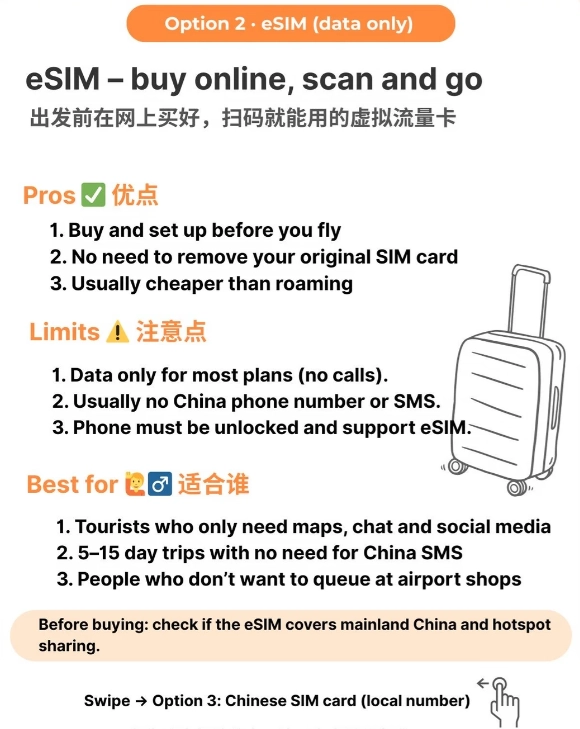
Common Mistakes to Avoid
I've watched hundreds of travelers fumble. These are the top blunders:
- Waiting to install until you're in China. The app stores (iOS App Store, Google Play) are accessible, but the download speed is dreadful and the initial setup may fail because the app can't contact its server. Install at home.
- Using the same server for too long. The firewall monitors IP pools. If one server slows down, switch to another. Astrill and ExpressVPN make this easy.
- Forgetting to turn on the VPN before opening apps. You open WhatsApp, it fails, you toggle VPN on, but WhatsApp already logged a failed attempt. Always keep VPN on while in China — set it to auto-connect on untrusted networks.
- Relying on hotel Wi-Fi alone. Many hotels block VPN connections at the router level. Get a local SIM card (China Unicom has good coverage) and tether. Cost is less than $10 for 10GB.








No comments yet.