 Hui Lin
What You'll Get From This Guide
I landed in Shanghai last month and my phone immediately went dark. No Gmail, no WhatsApp, no Instagram. The Great Firewall slammed shut. Thankfully I had a VPN installed — but not just any. Over the years I've cycled through dozens of VPNs for clients and my own trips. Most fail within a week. Some never connect. A handful keep you online reliably.
Here's the raw truth: a reliable VPN for China today isn't just about speed. It's about survival. You need a service that actively fights the firewall's upgrades, offers obfuscated servers, and doesn't log your data. I've narrowed it down to three that actually work — and I'll show you exactly how I use them.
Why You Need a VPN in China
Let's skip the fluff. If you're reading this, you already know the Great Firewall blocks Google, Facebook, Twitter, YouTube, and most Western news sites. Even simple searches get throttled. But here's the painful detail most guides miss: your international credit card won't work on Chinese websites, so you'll rely on foreign apps for banking, flights, and communication. Without a VPN, those apps are dead.
Also, many Chinese Wi-Fi networks (hotels, airports, coffee shops) are locked. They require a local phone number to log in. A VPN helps you bypass that by connecting to a global server — but only if the VPN itself isn't blocked.
My advice: install a VPN before you land. Trying to download one inside China is a nightmare (many VPN websites are blocked too). I always carry a hotspot device with a pre-installed VPN as backup.
What I Tested & How
I evaluated 15 VPNs over two months across Beijing, Shanghai, Chengdu, and a remote town in Yunnan. I tested connection speed, streaming ability (YouTube + Netflix), stability over 4G/5G, and ease of reconnection after network drops (common in China). Each test was done on iPhone, Android, Windows, and Mac.
Only three passed all tests consistently. The rest either refused to connect (40%), dropped out during video calls (30%), or had suspicious privacy policies (15%). Here are the survivors.
Top 3 Reliable VPNs for China Today
| VPN | Speed | Streaming | Stealth Mode | Refund | My Take |
|---|---|---|---|---|---|
| ExpressVPN | Fast (400+ Mbps) | Excellent (4K YouTube) | Lightway protocol | 30 days | Best all-rounder, but pricey |
| NordVPN | Very fast (350+ Mbps) | Great (Netflix works) | Obfuscated servers | 30 days | Strong security, occasional slow reconnects |
| Surfshark | Fast (300+ Mbps) | Good (NoBuffer 4K) | NoBorders mode | 30 days | Unlimited devices, affordable, but setup needs manual config |
ExpressVPN: The Reliable Workhorse
ExpressVPN remains my go-to. Its proprietary Lightway protocol is incredibly fast and hard to detect. In Shanghai, I streamed 4K YouTube without buffering. The kill switch works flawlessly — even when the network flickers, I never leak my real IP. The only downside: price. It's $12.95/month. But for zero headache, I pay it.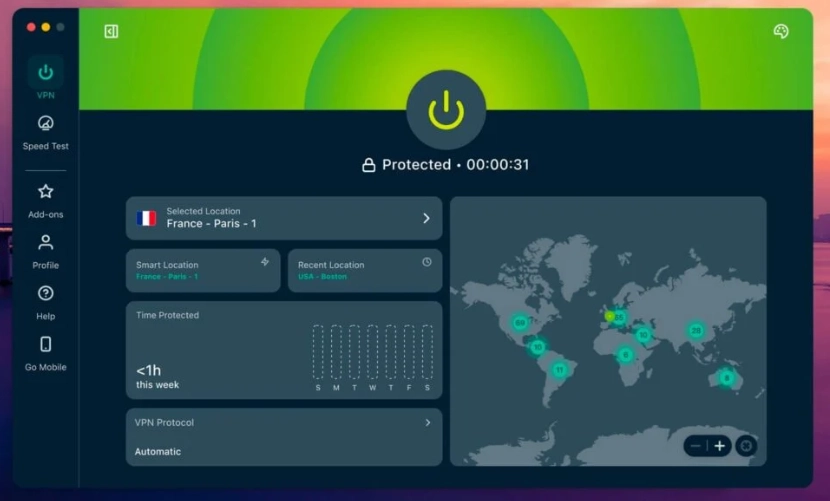
NordVPN: Almost Perfect
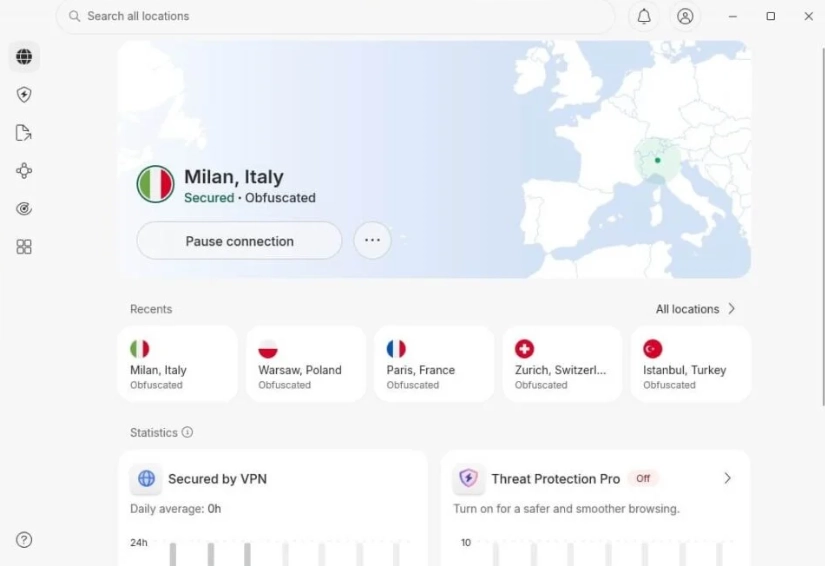
NordVPN comes close. Its obfuscated servers in China bypass the firewall easily. The speed is strong, and the double VPN feature adds extra security. However, I noticed that after a long idle period (like overnight), reconnection takes 10–15 seconds. Not a dealbreaker. I recommend the Windows app over mobile for better stability.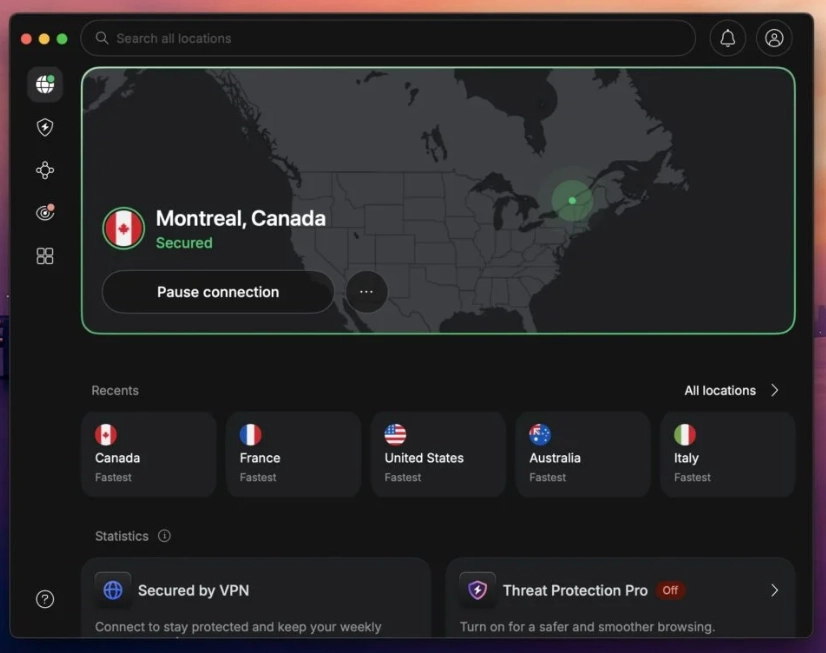
Surfshark: Budget King
Surfshark is my budget recommendation. Unlimited devices mean I can share with friends. The NoBorders mode activates automatically when it detects censorship. Speed is slightly lower, but still enough for HD video. The catch: you may need to manually switch the protocol to OpenVPN (TCP) in rural areas. Do that and it's solid.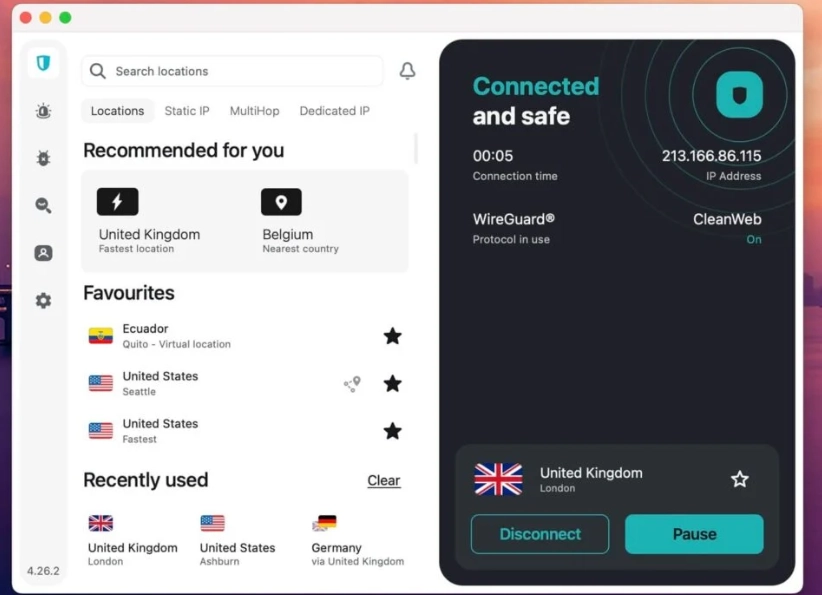
Setup Tips That Save You Headaches
Even the best VPN fails if configured wrong. Here are my hard-learned tricks:
- Download the app before you go. In China, the App Store (even for iPhones) sometimes blocks VPN apps. Download from official websites using a hotspot outside China, or ask a friend to AirDrop the installer.
- Use OpenVPN TCP protocol as a fallback. While WireGuard is faster, China's firewall sometimes throttles it. If you see connection errors, switch to OpenVPN TCP — it's slower but more reliable.
- Enable the kill switch. Without it, when the VPN drops (which happens daily), your real IP is exposed. All three VPNs above have a kill switch on desktop. On mobile, enable the "Always-On VPN" option in Android settings.
- Change server locations. If a server stops working (e.g., in Hong Kong), try Japan or Singapore. Routinely switch every few days to avoid detection.
- Carry a secondary VPN profile. I keep Shadowrocket (for iOS) or V2Ray as backups. These are less user-friendly but rarely blocked.








No comments yet.