 Qiang Huang
Quick Navigation
Airport chaos. Long lines. Sweaty passports. If you're flying China Eastern Airlines, online check-in is your golden ticket to skipping the crowds. But here's the catch — navigating the Chinese tech ecosystem can be confusing when you don't read Mandarin. I've spent years guiding travelers through airports across China, and I'm going to show you exactly how to check in online for China Eastern Airlines without losing your mind.
Whether you're flying from Shanghai, Beijing, or into somewhere smaller, China Eastern Airlines online check-in lets you grab a window seat and bypass the counter entirely. The biggest pain point? Most passengers are unaware that the check-in window typically opens 48 hours before departure and closes about 60 minutes before flight time — but always check the exact time on your booking. Miss that window, and you'll be stuck in the same line as everyone else.
Here's the good news: once you've mastered this once, you'll do it in under five minutes on your phone. No more airport anxiety, no more waving your passport at confused staff members. Let's dive in.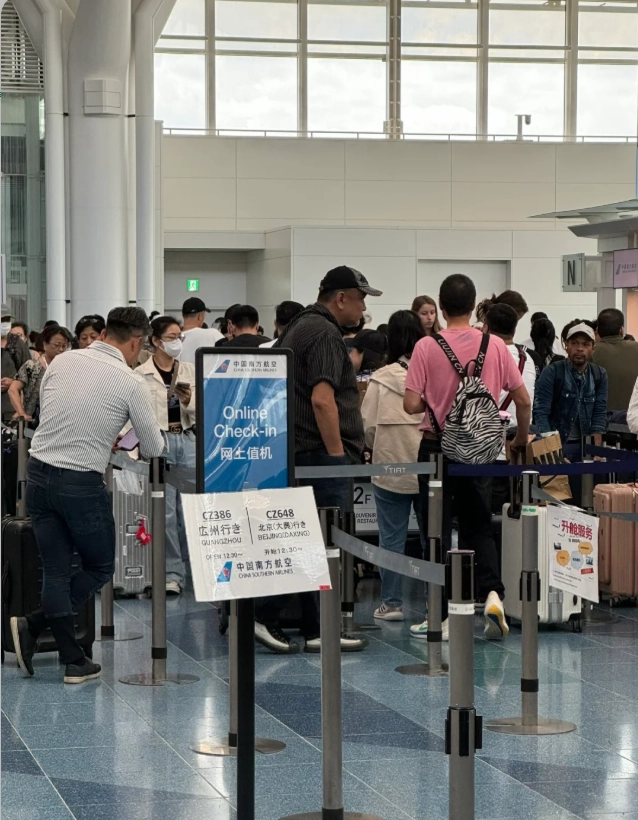
Why Bother with China Eastern Airlines Online Check-in?
Imagine walking past a mile-long line at Shanghai Pudong International Airport, heading straight to security with your phone in hand. That's the reality for travelers who use online check-in. For most of us, it also means you can choose your seat in advance — I always go for the bulkhead seat for extra legroom, and you can too.
There's another hidden benefit: if you're flying international, online check-in reduces the chance of a language barrier when you're rushing at the airport. You can also add your frequent flyer number and keep track of your luggage allowance right in the confirmation screen.
Frankly, I never understand why some travelers still insist on printing a paper ticket at the airport. The only thing you'll need to do offline is drop off any checked bags at the Baggage Drop counter, which is usually a much shorter queue than the check-in counters.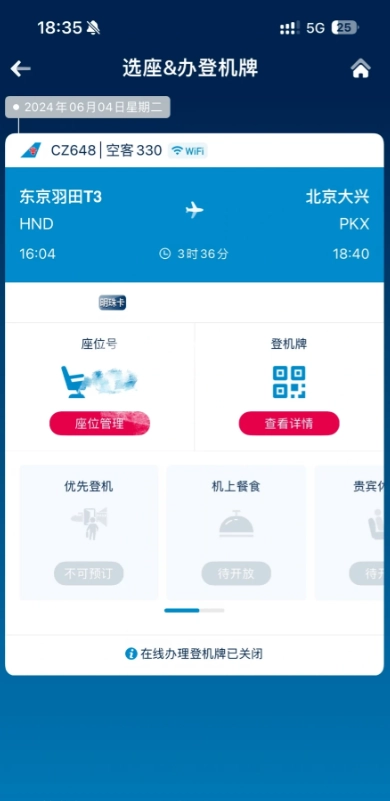
China Eastern Online Check-in Basics: What You Need to Know
Before you jump in, here are the things I wish every traveler knew:
- Check-in window: Typically from 48 hours to about 1 hour before departure for international flights, and until 30 minutes for domestic. But this can vary, so always look at your booking confirmation. The airline will send you a reminder email if you booked directly.
- Who can check in online: Most passengers, but if you're traveling with an infant or have special service requests, you might not be able to do it online. You'll need to visit the airport counter.
- What you need: Your booking reference (also called PNR), your passport, and a device with internet access. The system will ask for your passport number and nationality.
- Chinese language barrier: The official website and app are mostly in Chinese, but don't panic. I'll give you a workaround below.
And here's a quick comparison of the three ways you can check in:
| Channel | Typical Time Window | Language Support | Extra Fees |
|---|---|---|---|
| Mobile App | 48h - 1h before | Chinese (switch phone language to English) | Fees for premium seats |
| Website | 48h - 1h before | Chinese & English | Same as app |
| Airport Kiosk | Usually 24h - 1h before | Chinese & English | No seat selection freedom |
How to Check In Online for China Eastern Airlines: Step-by-Step
You have two options: the official website (ceair.com) or the China Eastern mobile app (available for iOS and Android). Both work similarly. I personally use the app because it's easier to bring up your boarding pass. Let me walk you through the app version first, because it's what I recommend to everyone.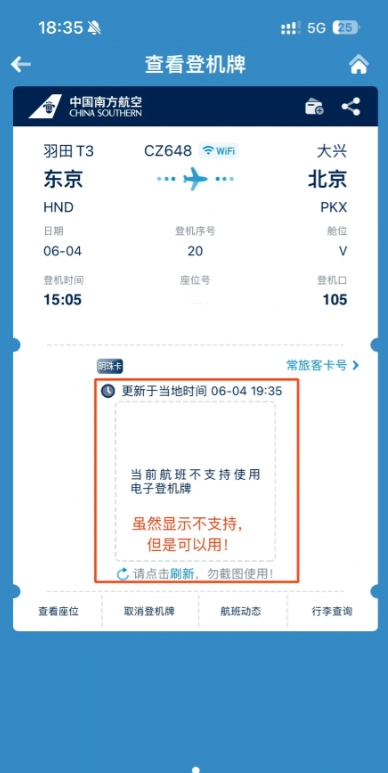
Option 1: China Eastern Mobile App
Download the China Eastern app from your app store. This is the fastest method because you can pull up your boarding pass on the go. Once installed, follow these steps:
- Open the app and tap the "Check-in" icon on the main screen. It's usually at the bottom.
- Enter your booking reference (PNR code) and the last name of the passenger. The last name must match your passport exactly.
- Tap "Search". You'll see your flight details. Tap it to continue.
- On the next screen, you'll see a seat map. Green seats are free, dark red or blue seats usually require an extra payment. Tap a seat to select it. I usually check if there's an aisle seat available near the front.
- Once you've picked a seat, you'll be asked to review your info. If you have baggage to check in, you'll see a "Check-in Baggage" button — but note that checking baggage at the airport is usually free when you pay at the counter (unless it's over the allowance). Online payment for baggage is not available for all routes.
- Confirm and submit. You'll see a success screen with a mobile boarding pass. Show this at the security gate; the staff will scan the QR code.
Pro Tip: If the app is in Chinese and you don't understand, switch your phone language to English before opening the app. Surprisingly, this changes the app's display language to English in most cases. I've had several clients do this successfully. If not, use a translation app with the screen overlay — Baidu Translate has a useful screenshot translation feature.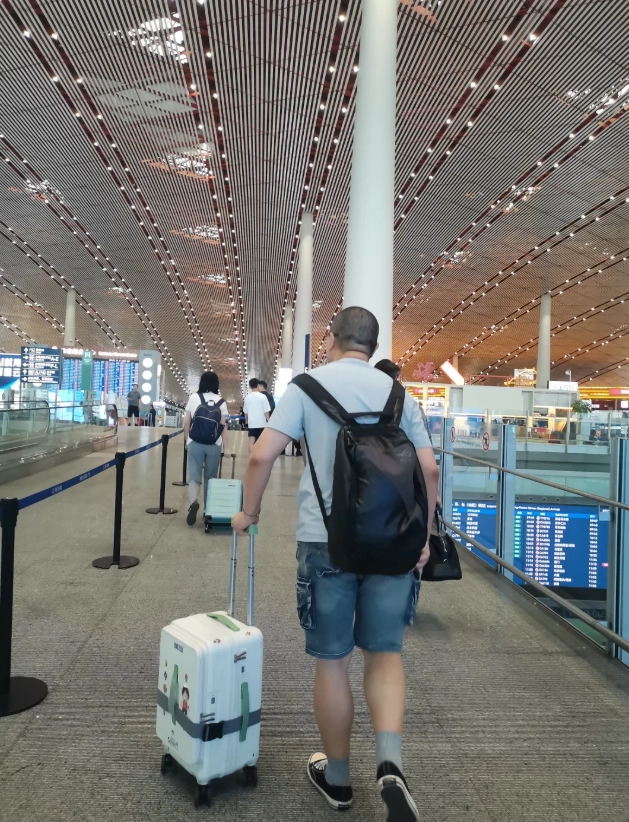
Option 2: Official Website (ceair.com)
Go to ceair.com and look for the "Check-in" button. The English version of the site is available by clicking "English" in the top menu. Then follow these steps:
- Enter your booking reference and passenger's last name in the same way.
- Follow the same steps: select seat, review, confirm.
- You can download a PDF boarding pass. Print it if you want a physical copy, but a screenshot on your phone works in most Chinese airports.
If you booked through a third party like Trip.com, your booking reference may not be the same as the one on the airline's system. In that case, you might need to retrieve your reservation using your e-ticket number. Trip.com support will give you the correct PNR when you ask.
What to Do When China Eastern Online Check-in Fails
Things don't always go smoothly. Here are the most common hiccups and how I handle them with my clients:
- "Check-in is not open for your flight" — This usually means the check-in window hasn't opened yet. Double-check your flight time and time zone. Flights from different cities may have different windows, but 48 hours is the standard.
- "Invalid booking reference" — You may have mistyped the code. Also, if you booked through an agency, their internal reference isn't the one you need. Look for the airline's PNR or e-ticket number.
- You must go to the airport anyway — Online check-in is not available for flights to or from the United States and a few other cities due to security requirements. If you see an error, call the airline's hotline or simply go to the airport early and use the self-service kiosk.
If you get stuck, don't worry. The airport self-service kiosks are your backup — they support English and allow you to do the same steps. They're usually located just outside the check-in area. You'll need your passport to scan, and then you can print a boarding pass printed on paper. If the kiosk rejects you too, head to the "E-ticket" counter and smile at the staff — they'll sort you out.
One more thing: if you're traveling with checked luggage, you'll have to visit the Baggage Drop counter anyway. Most major airports in China now have dedicated "Baggage Express" lanes for passengers who have checked in online. Look for the sign or ask a staff member to point you to it.
Insider Tips to Make Your China Eastern Online Check-in Smoother
These are the things I tell every tourist before they fly:
- Do it as soon as the window opens. I know it's tempting to drag your feet, but cheap premium seats like exit rows get snapped up fast. Set an alarm 48 hours before departure.
- Pay attention to the seat map. Some seats are marked with a star or different color — those cost extra. If you have a short domestic flight, exit row seats may not be that pricier, but for a 10-hour international flight, it's worth the fee.
- Use the mobile boarding pass. In China, the TSA-equivalent (Security Check) will scan the QR code from your phone. No need to print anything, but keep your phone charged.
- Check your boarding gate via the airport screens. The app will often show the gate number, but it can change. Always re-check at the airport.
- Bring your passport everywhere. Even if you have a digital pass, you'll need your passport at security and boarding. It's non-negotiable.
- Refresh the seat map. Here's a little insider trick: don't finalize your seat selection right away. Check back a few times, as premium seats sometimes get released closer to the check-in window. I've scored free exit-row seats this way twice for my clients.
And here's an honest complaint: the app can be clunky. Sometimes it logs you out for no reason, and the session times out. If that happens, just restart the app and try again. You won't lose your selected seat, but you might have to redo the process.
Also, when you're at the airport, use Apple Maps or AMap for indoor navigation to find your gate — Google Maps won't give you accurate step-by-step directions inside Chinese terminals. The signs in Chinese airports are bilingual, but it's easy to miss a turn if you're tired.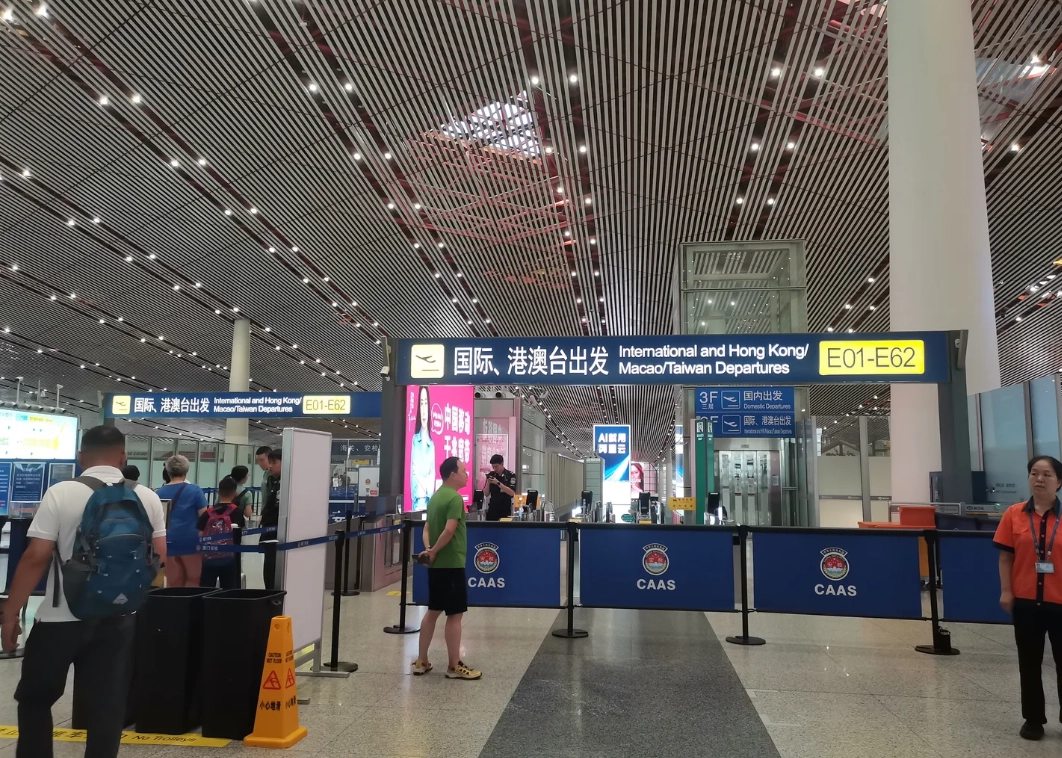
Quick FAQ: China Eastern Airlines Online Check-in Questions
Verified and fact-checked by the editorial team.








No comments yet.