 Fang Wang
Quick Navigation — Jump Straight to the Good Stuff
Stuck at Changi Airport with a dead phone? I've been there. That's exactly why I never fly to Singapore without an eSIM. After a 12-hour flight, the last thing you want is to hunt for a tourist SIM card or beg for Wi-Fi on the sidewalk. Here's the deal: most travelers either overpay for data or end up with no connection when they need it most. This guide breaks down the top eSIM Singapore plans so you can compare, buy, and stay connected within minutes.
Why the Right eSIM for Singapore Is a Game-Changer
Singapore runs on data. You use it to book a Grab ride, scan a QR code at a hawker center, or message your hotel host. A dead phone can turn a seamless trip into a nightmare. That's why eSIM is the first thing I pack.
An eSIM is a digital SIM you download before you fly. It takes five minutes to install, works instantly when you land, and keeps your home number active for important SMS. Unlike a plastic SIM, you don't need to fiddle with card trays or worry about losing your home SIM.
Singapore is one of the most connected cities on earth, but public Wi-Fi is often locked behind an OTP verification that requires a local number. That's a catch — if you land without a local number, you're stuck. An eSIM solves that by giving you data immediately, and most plans include a valid Singapore number.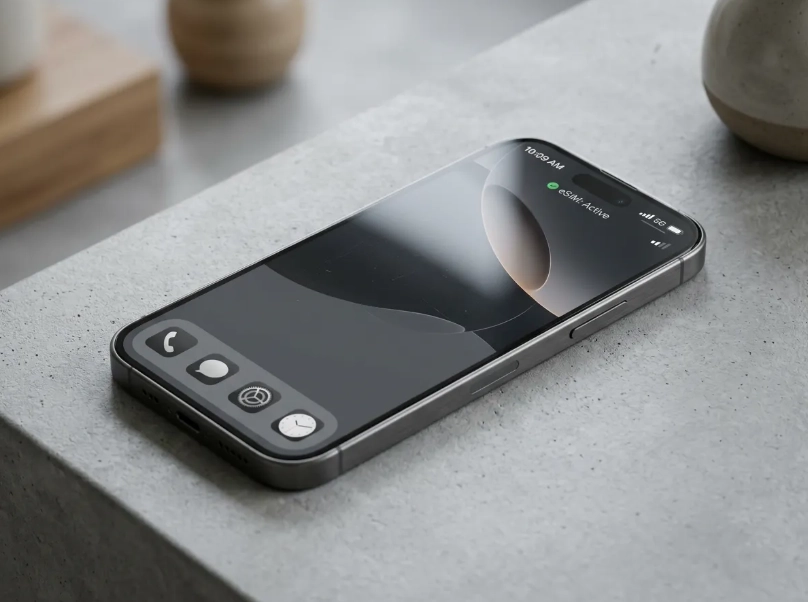
What Is the Best eSIM for Singapore? (Top Plans Compared)
After testing a truckload of eSIMs over my years guiding tours, I can tell you truthfully: there's no perfect plan for everyone. Your choice should depend on how long you're staying and how much data you burn. Here's a quick comparison of the ones that actually work in Singapore.
| Provider | Data Allowance | Validity | Best For |
|---|---|---|---|
| Airalo | 1GB – 20GB | 7 – 30 days | Short trips, budget travelers |
| Nomad | 1GB – 10GB | 7 – 30 days | Medium trips, social media users |
| Holafly | Unlimited | 5 – 20 days | Heavy data users, video callers |
| Singtel (local) | 2GB – 6GB | 7 – 15 days | Travelers wanting a local network |
Note: All prices vary frequently. Always confirm the final price and data allowance in the provider's app before buying.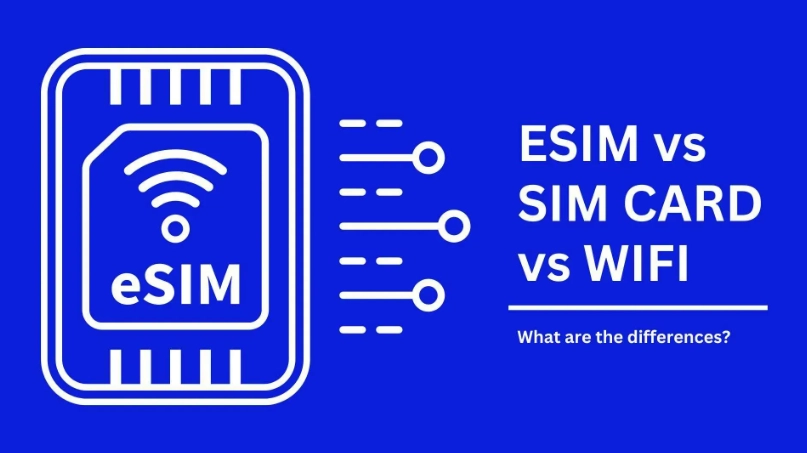
Airalo Singapore eSIM
Airalo is the most budget-friendly option for short trips. It gets you a stable 1GB to 3GB for under SGD 10, and the app is incredibly intuitive. I've used it on several of my own short layovers, and it connected within seconds of landing.
Nomad Singapore eSIM
Nomad offers the best value for medium-length trips. Its 10GB plan lasts about two weeks of heavy Instagram and Google Maps use. From my experience, the connection speed is slightly better than Airalo in the MRT tunnels — which matters if you commute a lot.
Holafly Singapore eSIM
Holafly is the go-to for people who refuse to count megabytes. The unlimited plan is liberating, but there's a catch: it sometimes routes through a slower proxy and you can't tether without paying extra. Bring a battery pack because video calls drain your phone fast.
Singtel eSIM (Local)
Singtel gives you the most reliable coverage because it's a local network. You can pick one up at the airport counter or a Singtel store, but be prepared to show your passport for registration. The pricing can be slightly higher than international eSIM providers, but you're paying for top-tier speed.
How to Buy and Activate a Singapore eSIM
Here's my step-by-step that I give to every traveler I meet. It takes less time than ordering a coffee.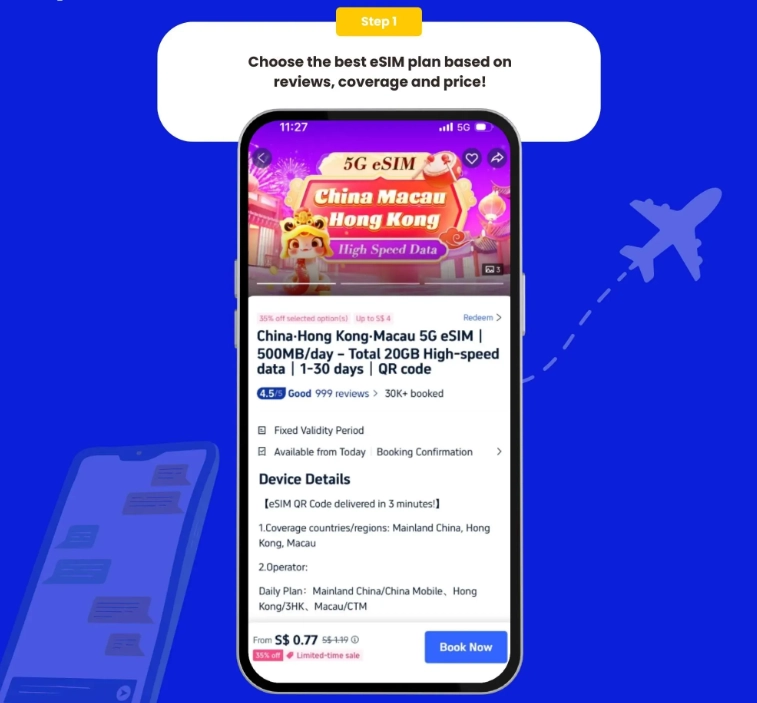
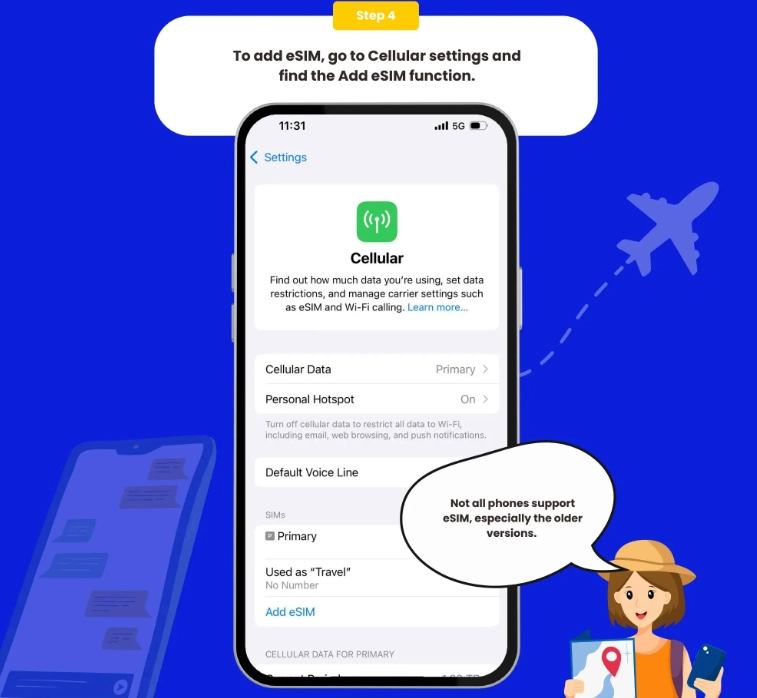
- Check your phone's compatibility: unlocked iPhone XR or newer, Google Pixel 3 or newer, or Samsung Galaxy S20 or newer. Most modern phones work.
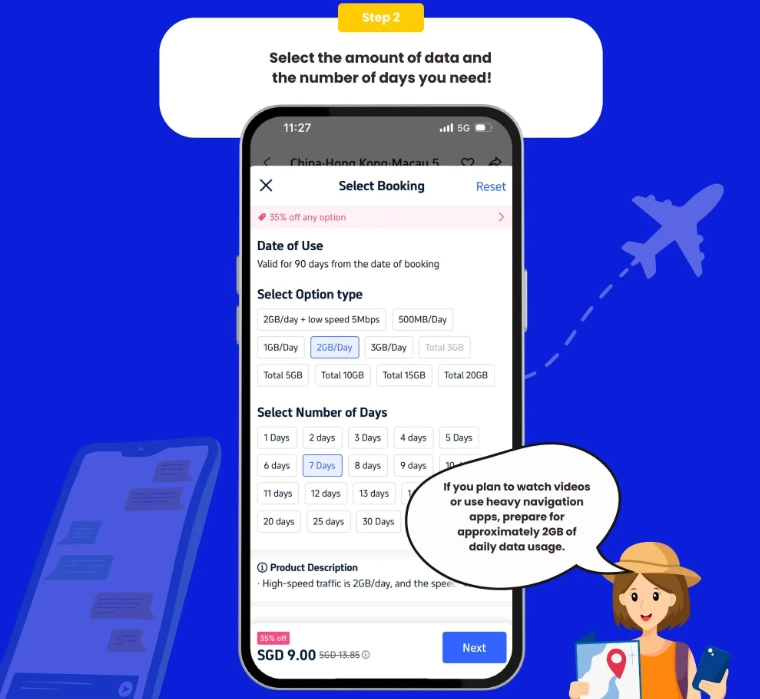
- Pick a provider from the table above and download their app (Airalo, Nomad, Holafly). Singtel requires an in-store visit or an online order with passport.
- Purchase the plan before your flight. You'll receive a QR code via email or in the app.
- Connect to any Wi-Fi at the airport (Changi has free Wi-Fi) and scan the QR code in your phone's mobile network settings.
- Turn off 'Data Roaming' on your home SIM to avoid surprise charges. Set the eSIM as your primary data line.
- When you land, the eSIM should automatically connect to Singapore's network. If not, restart your phone and pick Singtel / StarHub manually.
Pro Tip: Install the eSIM profile while you're still in your home country if possible. You won't need to rely on airport Wi-Fi, and you'll already be ready to use it the second you switch off Airplane Mode.
Physical SIM vs eSIM for Singapore: Which Is Better?
I get this question daily from travelers. Both work, but they serve different needs.
- eSIM — Instant activation, no need to find a store, supports dual-SIM (your home number stays active), and you can buy it while still at home. The only downside is you need a compatible phone.
- Physical SIM — Often cheaper for similar data, and you can pay with cash if you haven't sorted out international roaming. But you'll have to carry the SIM card, use a tray pin, and most Singapore tourist SIMs require passport registration at a physical counter.
Honestly, for 95% of travelers, eSIM wins because of pure convenience. I've had clients who tried to buy a SIM at Changi at midnight — the queues are long and some counters close early. Don't do that to yourself.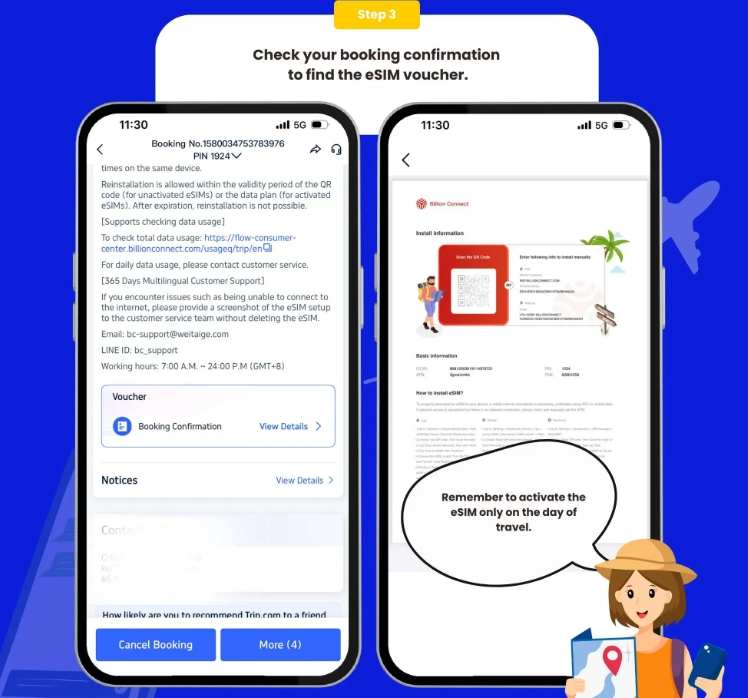
Insider Tips for Using eSIMs in Singapore
These are the things I tell my clients that no blog post usually mentions:
- Turn off automatic app updates. It kills your data quota quickly.
- If you're using a data-only eSIM, you can still receive SMS on your home SIM via Wi-Fi calling on iPhone. Make sure Wi-Fi calling is enabled.
- Singapore's MRT tunnels are almost fully covered, but the underground stations near the harbour may have dead spots. Download offline maps anyway.
- Some eSIM providers (like Holafly) use a VPN-like connection for U.S. web access. If you notice video buffering, toggle your VPN off.
- Don't throw away your eSIM QR code. You'll need it again if you reset your phone mid-trip.
FAQ: Your Singapore eSIM Questions, Answered
Can I make regular phone calls with a Singapore eSIM?
Most eSIM plans for Singapore are data-only. To make voice calls, use WhatsApp, FaceTime, or Google Voice. For local calls (like calling a restaurant), apps like 2ndLine can provide an internet-based number, but it's rarely needed.
My eSIM isn't working. What should I do?
First, restart your phone and manually select a network (Singtel, StarHub, or M1). Then check your APN settings (Airalo recommends 'internet' for the APN). If it still fails, contact your provider's in-app support — they usually respond in minutes. Also, ensure your eSIM plan hasn't expired; some activate at midnight when you land, not when you buy.
Is a local Singapore SIM cheaper than an eSIM?
Tourist SIMs from Singtel or M1 can be slightly cheaper if you want a big data bundle, but you'll spend time in queues and you need your passport. Given the convenience and the fact that eSIMs avoid the registration hassle, I usually recommend an international eSIM for stays shorter than two weeks.
Can I use my eSIM data for a personal hotspot?
It depends on the provider. Airalo and Nomad allow tethering in most cases, while Holafly does not. For unlimited data plans, check the provider's fine print before committing. If you're a digital nomad with a heavy laptop workload, I'd go with Nomad or Singtel.
Verified and fact-checked by the editorial team. This content has been fact-checked to ensure informational precision.








As someone who passes through Singapore a few times a year, this is the first eSIM guide that didn't make my head hurt. It sticks to actual data, no fluff. I picked the cheapest plan for a 2-day layover and it handled everything—online check-in, Grab rides, food delivery, even Instagram stories. The best part? No hunting for a physical SIM after a red-eye flight. Genuinely a lifesaver.
This article made choosing an eSIM in Singapore so much easier. The step-by-step instructions were key for me—I'm not super tech-savvy and usually get overwhelmed by these things. I followed the tips, bought the recommended plan, and it activated in under two minutes. I even used it to video call my parents from Gardens by the Bay and the connection was crisp. 100% worth reading before you travel.
Brilliant guide! I've used eSIMs all over Asia and this one genuinely saved me money. The comparison table made everything super clear. I grabbed the 5-day plan, scanned the QR code at Changi before I even got to baggage claim, and had data instantly. Caught a Grab to the hotel and streamed Spotify the whole way with zero buffering. Highly recommend this article to anyone visiting Singapore.
Really helpful round-up of Singapore eSIM options. I went with the budget-friendly pick and it worked well for my 4-day trip—setup was easy and I stayed connected everywhere from Chinatown to the Botanic Gardens. I did notice slower speeds during peak hours near Orchard Road, but for what I paid, it was solid. Wish the article had a little more info about coverage on Sentosa, but overall a great starting point.
Was excited to try one of the eSIMs recommended in this guide, but honestly it started off rough. The activation instructions were a little confusing and I wasted nearly half my first day in Singapore figuring it out. Once it finally connected, WhatsApp and Google Maps worked fine, but the speeds near Marina Bay felt closer to 3G than the 4G/5G promise. Not a complete disaster, just not as smooth as I expected.