 Fang Wang
Quick Navigation
Three hours. That's how long a group of my clients waited at the metro ticket machine last spring — because they had no cash and their international cards were rejected. Don't be them. Hangzhou's subway and buses are almost entirely cashless, and Alipay is the only way to move without friction. Here is exactly how to set it up, avoid the pitfalls, and ride like a local in under 10 minutes.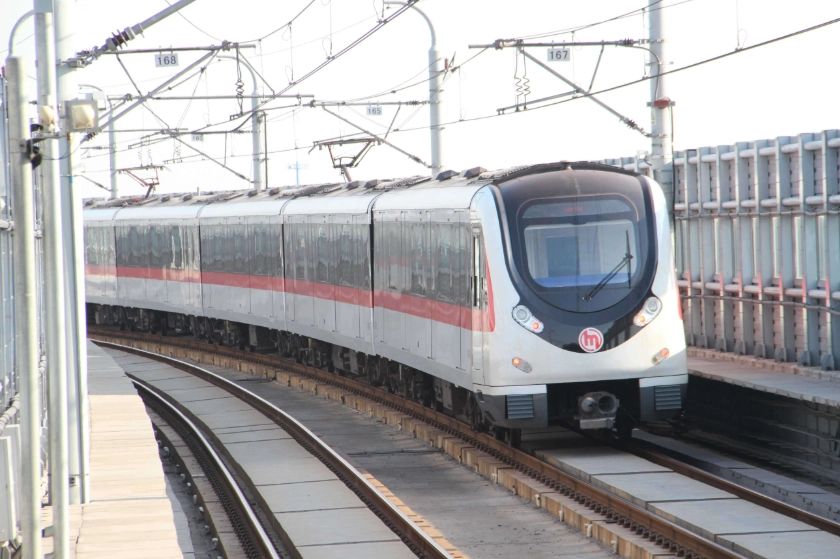
Why Bother with Alipay?
Hangzhou is Alibaba's hometown. Cash is rarely accepted on public transport. Even if you have small bills, most machines now only read QR codes. Alipay is the universal key — you tap to open the metro gate, scan to board a bus, and even rent a shared bike. Without it, you're stuck walking or overpaying for taxis.
Setting Up Alipay (No Chinese Bank Account Needed)
Download Alipay from the App Store or Google Play. Choose English during setup. You'll need your passport and a phone number that can receive SMS (your home number works for registration, but you'll need a Chinese number later for the transport card — more on that below).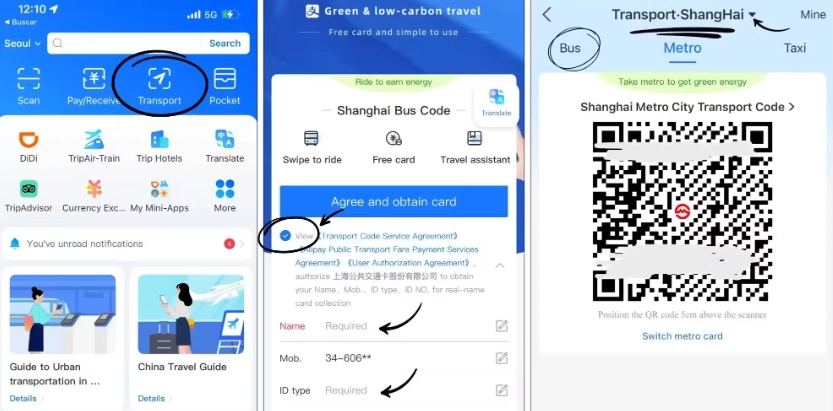
Adding an International Card & Funding Your Wallet
Go to Me → Bankcards → Add Card. Alipay now supports Visa, Mastercard, and JCB from non-Chinese banks. But here's the catch: for public transport, you need to top up your Transport Card inside Alipay, not just scan your credit card directly. Many tourists get stuck because they try to use the card at the gate — it won't work.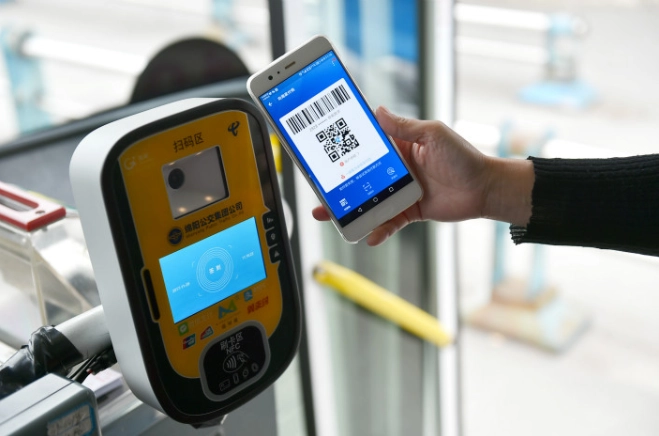
Using Alipay on Hangzhou Metro
Open Alipay, tap Transport at the top of the home screen. If you don't see it, tap More and find Transport Card. Select Hangzhou Metro. A QR code appears. Hold it over the scanner at the gate — it looks like a blue circle. Wait for the beep and the gate opens. Important: The code refreshes every 60 seconds, so don't screenshot it. Also, the gate expects the code to be very close — about 5 cm away. I've seen people wave it from a foot away and wonder why it doesn't work.
| Line | Key Stations for Tourists | Exit Tips |
|---|---|---|
| Line 1 | West Lake (Ding'an Road), Hangzhou East Railway Station | Exit C at Ding'an Road leads directly to Lakeside area |
| Line 2 | Fengqi Road (night market), Qianjiang Road (CBD) | Exit B for Wulin Square nightlife |
| Line 3 | Wushan Square, Huanglong Stadium | Exit A for Wushan night market |
| Line 4 | Citizen Center (river cruise), Nansong Imperial Street | Exit D for the Hangzhou Museum |
Tip: Avoid scanning at the gate during rush hour (8-9 AM, 5:30-7 PM). The sensors sometimes lag, causing a queue. If the gate doesn't open, step back and try again — don't push against it.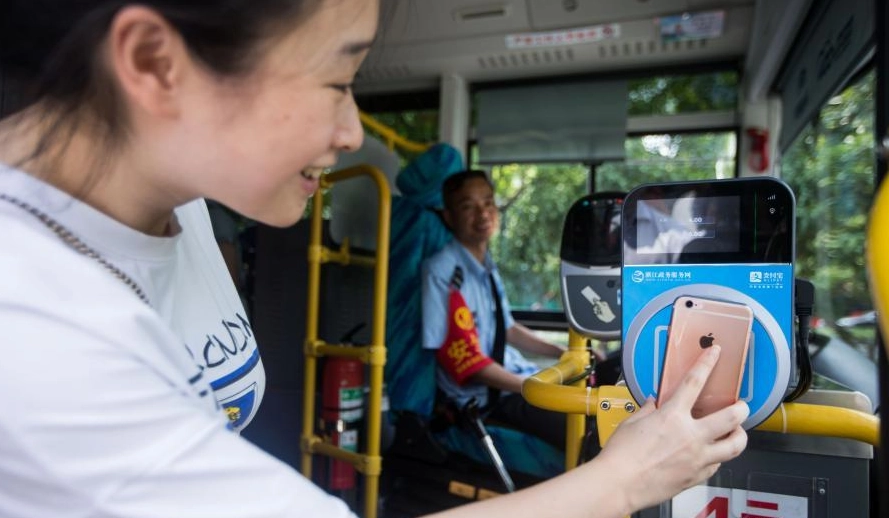
Paying for Buses with Alipay
Buses in Hangzhou are cheapest and run almost everywhere. Open the same Transport screen, but this time select Bus Code (not Metro). Hold the code under the scanner next to the driver. One scan per person — if you're with friends, each needs their own Alipay code. The fare is usually 2 RMB (around $0.28). No change given, so Alipay is essential.
Bus routes to remember: 游2 (Y2) goes around West Lake, and B支7 connects the train station to Lingyin Temple. Both accept Alipay.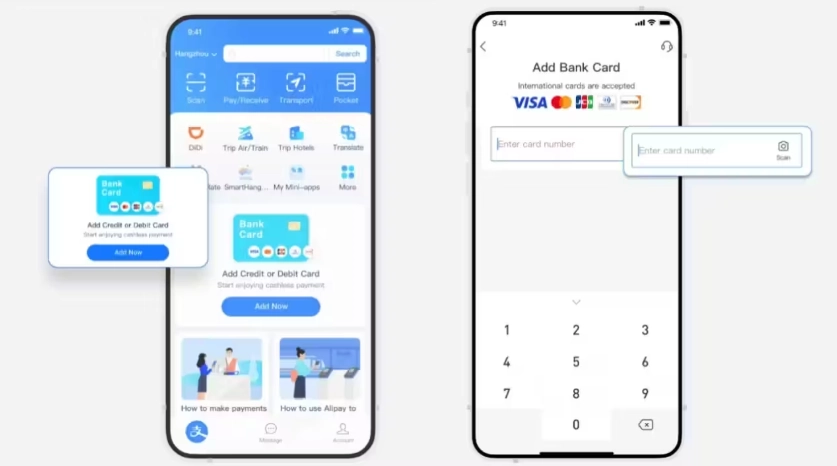
5 Common Mistakes Tourists Make (And How to Avoid Them)
- Using the wrong QR code: The metro code and bus code are different. Make sure you switch inside the Transport page.
- Not topping up enough: The transport card requires a minimum balance. If it drops below 0, the gate won't open. Check your balance in the Transport card dashboard.
- Ignoring the network requirement: Alipay needs an internet connection to generate the QR code. Without WiFi or a local SIM, you're stuck. I always tell my clients to get a temporary Chinese SIM at the airport (China Unicom or China Mobile kiosks near arrivals).
- Screenshotting the code: The code refreshes, so a screenshot is useless. Pull up the app fresh each time.
- Forgetting to exit properly: On the metro, you must tap out with the same QR code. If you don't, the system will charge the maximum fare (usually 15 RMB). Double-check that the gate closes behind you.
One afternoon, a couple from Germany scanned into Wulin Square station but walked out through an emergency gate — they were charged the max fare and had no idea why. Save yourself the confusion: always scan out.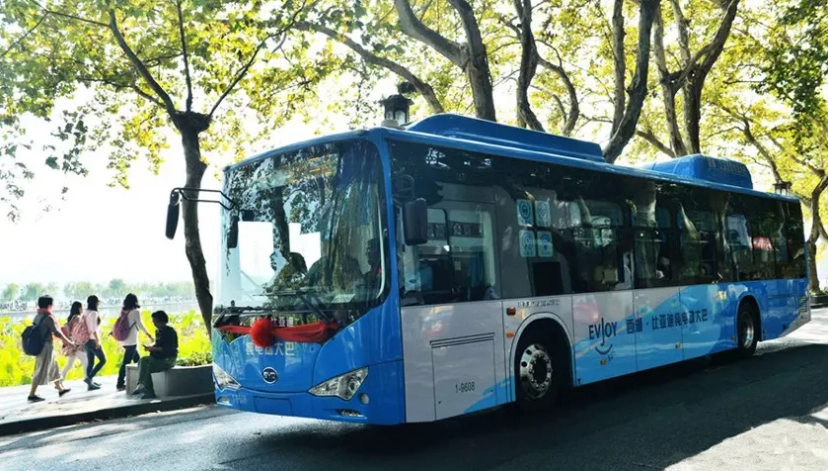
FAQ
Verified and fact-checked by the editorial team.







I’m a frequent traveler and I’ve used transit apps in dozens of cities. Hangzhou’s Alipay integration is among the smoothest I’ve experienced. From the airport shuttle to the city buses, every ride was a seamless tap. No need to worry about losing tickets or running out of cash. Absolute perfection.
What a game changer! Coming from a city where you still need exact change, scanning my phone to ride the Hangzhou metro felt like magic. The entire process took under two seconds per entry. Plus the app shows real-time bus locations—made my trip so efficient. Five stars without hesitation.
Honestly, I was frustrated. I don’t have a Chinese bank account, so setting up Alipay was a hassle. Then on my second day, my phone died and I had no backup cash. The metro station had no change machine for foreigners. Felt locked out. Great if you’re prepared, but not for everyone.
Alipay made getting around Hangzhou a breeze. I used it for the metro and even the public bikes. The only downside was one time the scanner at the bus didn’t read my code immediately—had to try twice—but overall it’s still miles better than carrying cash. A must for any traveler!
Absolutely loved using Alipay for buses and metro in Hangzhou! No more scrambling for coins or small bills. Just scanned my phone at the turnstile and hopped on. Saved me so much time and stress, especially during rush hour. Highly recommend to any visitor—download the app before you go!