 Ling Wu
What's Inside This Guide
I've been guiding travelers through Macau for over eight years, and the number one headache I see is connection chaos. You land, your international plan drops, and you're stuck hunting for a SIM card while juggling luggage. Not fun. Let me tell you straight: eSIM for Macau is the fix. No plastic card, no store visit, no fumbling with small SIM trays. You're online before you even leave the arrival hall.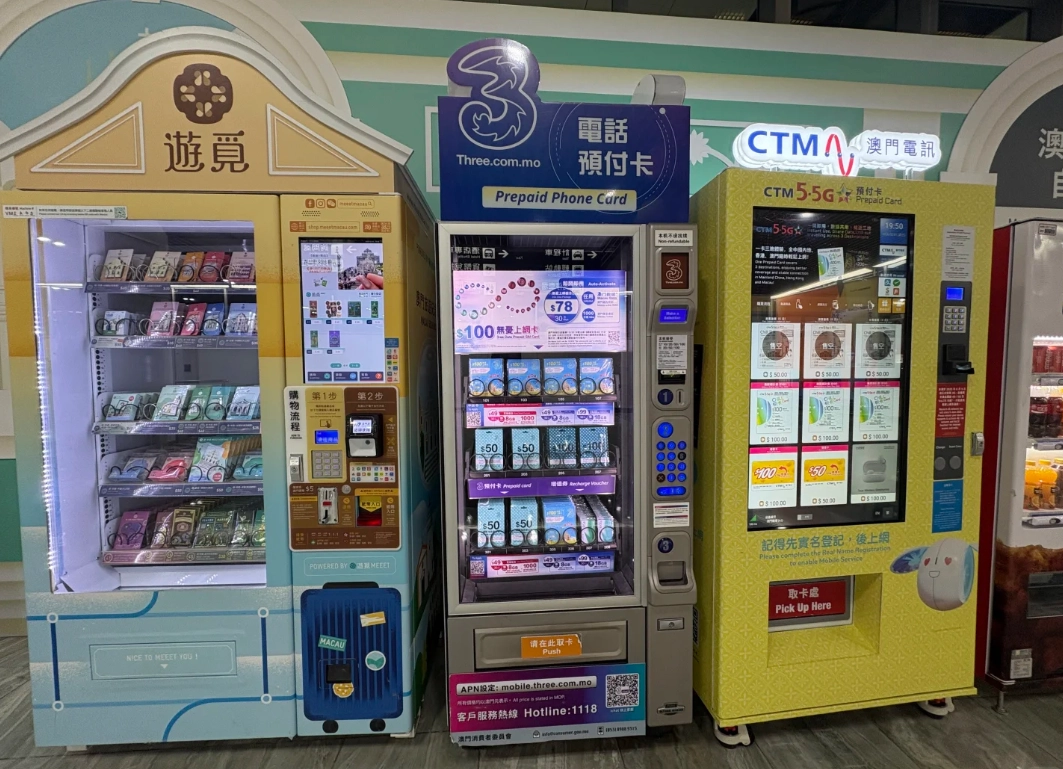
Why eSIM is a Game Changer for Macau
Macau might be small, but it's dense. One minute you're at the Ruins of St. Paul's, the next you need to find a hidden dim sum spot in Taipa. Without reliable data, you're lost. Literally. Google Maps? Half the time it's outdated, and Apple Maps works okay, but you still need a connection. eSIM lets you keep your home number active for two-factor authentication while running a local data plan on the same phone.
Here is the catch: physical SIMs at the airport are overpriced. I've seen tourists pay 300 MOP for a 7-day card that barely covers 5GB. With eSIM, you can snag 10GB for under 100 MOP. Plus, if you're hopping from Hong Kong to Macau, you can switch eSIM profiles without changing physical cards — a lifesaver.
Best eSIM Options for Macau Travelers
Not all eSIMs are created equal. I've tested a bunch on my own trips. Here's my shortlist of the most reliable and wallet-friendly options for Macau travel eSIM.
| Provider | Data Allowance & Validity | Price (USD) | Best For |
|---|---|---|---|
| Airalo | 1GB/7days – 20GB/30days | $4.50 – $26.00 | Light users who just need maps & messaging |
| Holafly | Unlimited data for 5–90 days | $19.00 – $89.00 | Heavy streamers or tethering (hotspot allowed) |
| Nomad | 1GB/7days – 50GB/30days | $4.00 – $50.00 | Budget-conscious travelers who want flexible top-ups |
| CTM (Macau local) | 3GB/3days – 15GB/15days | $7.00 – $20.00 | Visitors who want a local number for voice calls |
Verdict: I personally use Holafly's 15-day unlimited plan for groups — the hotspot feature lets everyone share. But for a solo trip under a week, Airalo's 5GB plan is plenty.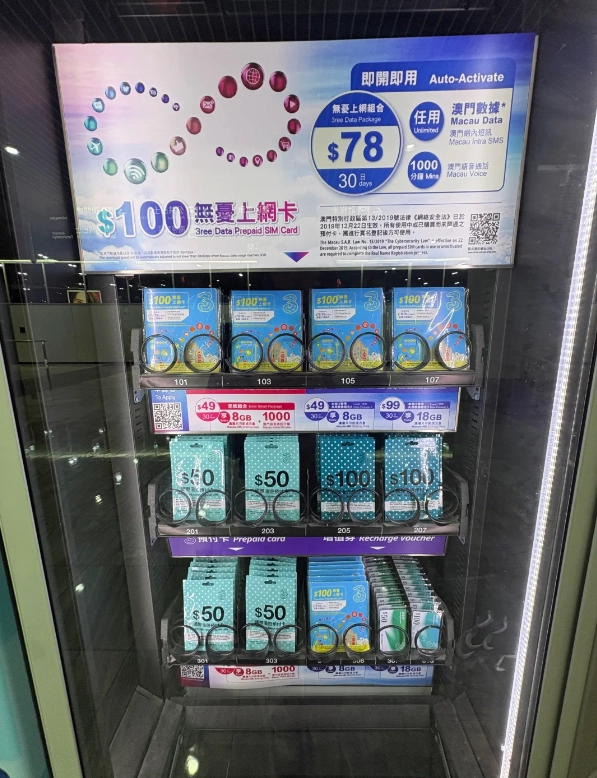
How to Set Up and Activate Your eSIM
Setting up an eSIM sounds technical, but honestly, it's three taps. Let me walk you through it.
Step 1: Check Phone Compatibility
Most iPhones from XR onward (except China models), and recent Samsung, Pixel, and Huawei phones support eSIM. Check Settings > Cellular > Add Cellular Plan. If you see that option, you're good.
Step 2: Buy Before You Fly
Purchase your eSIM from the provider's website or app. You'll get a QR code via email. Screenshot it before departure — sometimes airport Wi-Fi is flaky.
Step 3: Install & Activate
After landing in Macau, go to Settings > Cellular > Add Cellular Plan, scan the QR, and label it as your data line. Turn off roaming on your primary line. You'll see full bars within seconds. If it doesn't work, toggle airplane mode.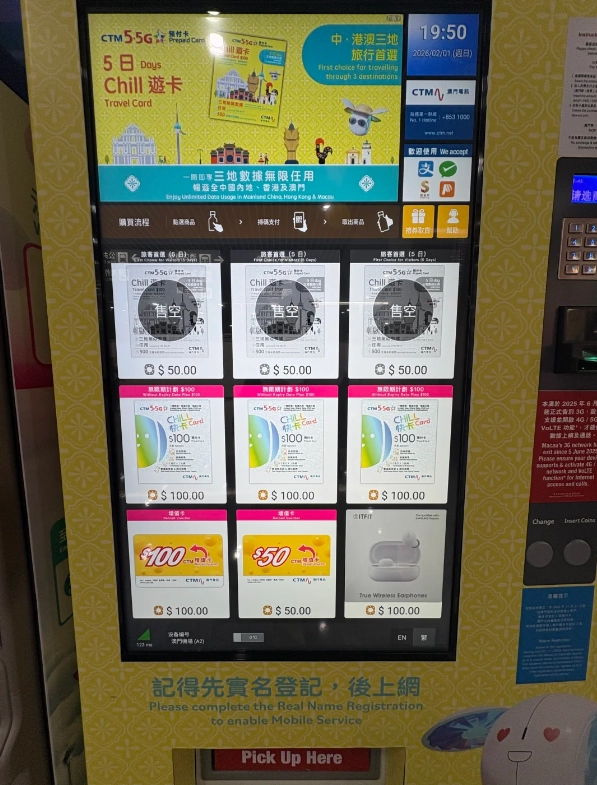
⚠️ Pro tip: Always activate the eSIM when you're connected to the hotel Wi-Fi or a free airport network. The initial activation requires internet. Don't wait until you're in a taxi with no signal.
Common Pitfalls & How to Avoid Them
I've watched guests make the same mistakes year after year. Let's skip the learning curve.
Pitfall 1: Buying an eSIM That Doesn't Cover Voice
Many eSIMs are data-only. If you need to call hotels or restaurants (some still don't use WhatsApp), get a plan with a local number. CTM's eSIM is your best bet — it's a full-fledged local SIM. Alternatively, install Skype or Google Voice and use data for calls.
Pitfall 2: Forgetting About VPN
Macau is a SAR, but China's Great Firewall still blocks many sites here. Services like WhatsApp, Google, Instagram require a VPN. Your eSIM provider won't help with that. I recommend installing a reliable VPN (like NordVPN or ExpressVPN) and testing it before you fly.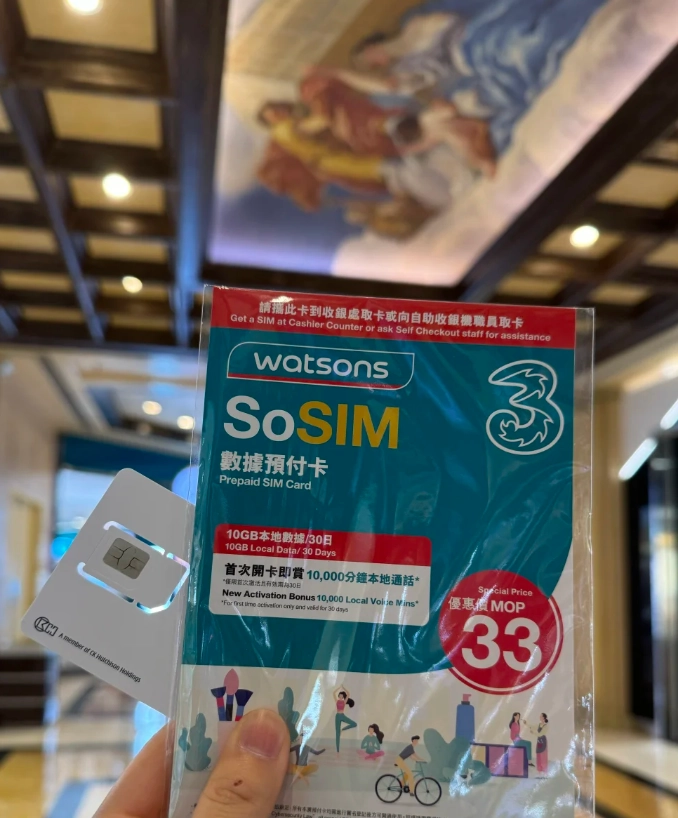
Pitfall 3: Ignoring the Time Zone
Your eSIM plan activates when you start using it. If you land at midnight, the first day is already counting. To maximize value, purchase a plan that starts upon first use, not a fixed date. Airalo and Holafly both offer flexible activation.
Pitfall 4: Double Charging by Accident
Keep your primary SIM's data roaming OFF. I've seen bills where travelers accidentally racked up $200 because their home carrier kicked in for background apps.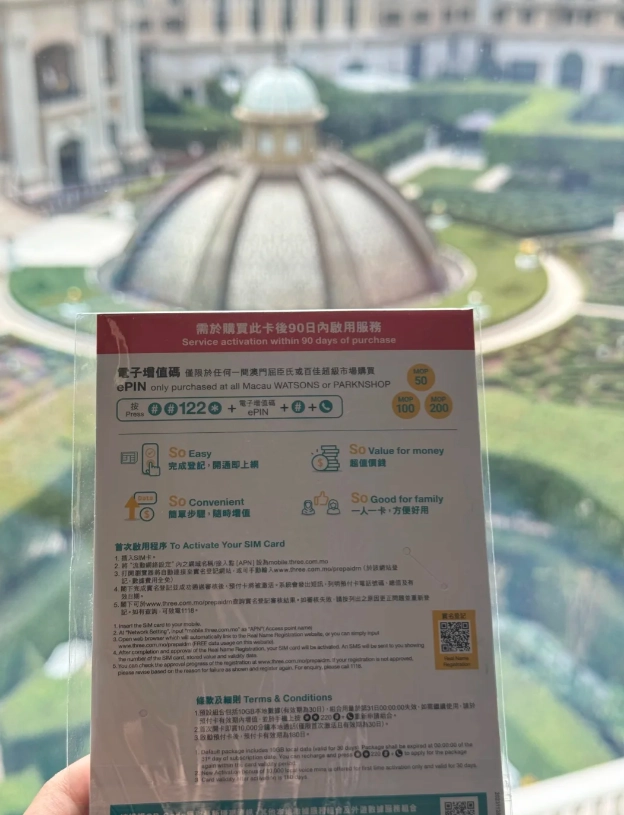
Frequently Asked Questions
Verified and fact-checked by the editorial team.







No comments yet.