 Bo Wu
Bo Wu
Quick Guide: What You'll Learn
Three hours. That’s how long my clients waited last week at the ticket machine near Tiananmen East station. The machine rejected their foreign credit card, they had no cash, and the queue behind them grew restless. I’ve been guiding in Beijing for eight years, and I still see this happen almost daily. Forget the glossy brochures — if you don’t have the right app on your phone, you’re in for a painful start.
Here is the truth: The Beijing subway app (officially called Yitongxing or 亿通行) is the only way to ride the metro like a sane person. It’s faster than a ticket machine, works with your smartphone, and — if you know the trick — accepts foreign payment methods. Let me show you exactly how to set it up, what pitfalls to avoid, and how to skip every line.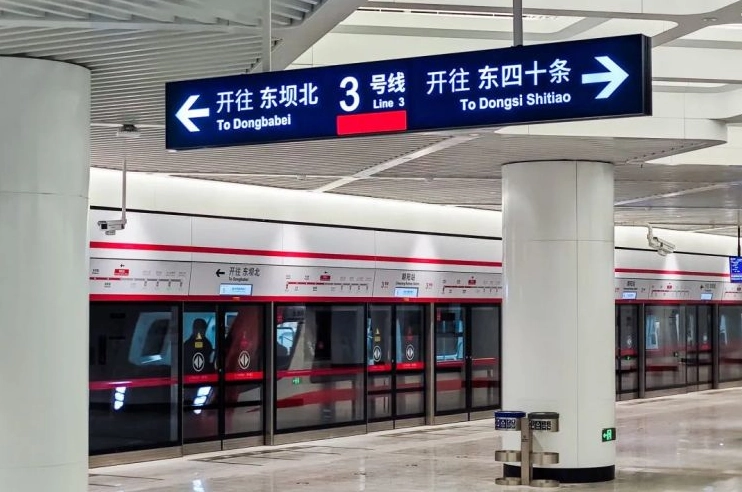
Why You Need the Beijing Subway App
Let’s be honest. The Beijing subway system is massive — 27 lines, over 400 stations. Buying a single-journey token every time is a chore. Plus, the machines are picky. They often reject international credit cards, and the staff rarely speak English. The app solves all that. You scan your phone at the turnstile, it tracks your ride, and deducts the fare automatically. No more fumbling for coins or trying to read Chinese instructions.
Plus, the app shows real-time train arrivals, exit information, and even which car is least crowded. It’s like having a personal subway assistant. But here’s the catch: the default language is Chinese. Most tourists give up at the registration page. That’s why I wrote this guide.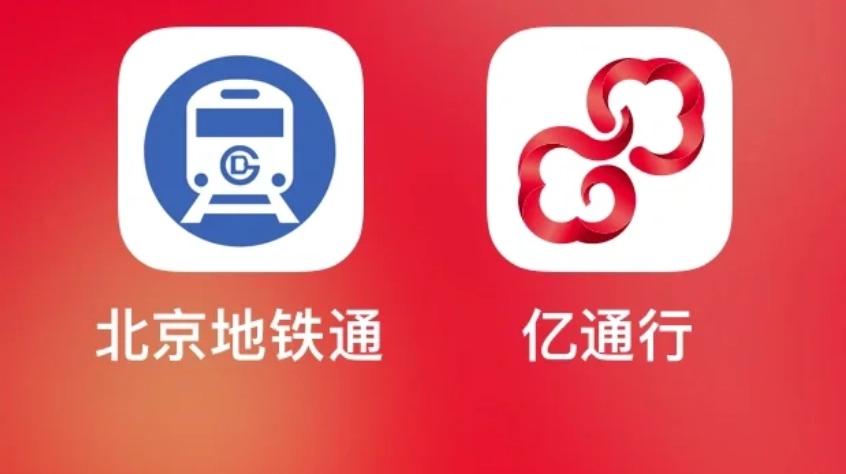
Step-by-Step Setup for Foreigners
First, download the app. On iOS, search “Yitongxing” or “亿通行” in the App Store. On Android, it’s on Google Play as “Yitongxing”. Do not download fake clones — there are several look-alikes. Check the publisher: it should be “Beijing Yitongxing Technology Co., Ltd.”
Registration Walkthrough
Open the app and tap the “Register” button at the bottom. You’ll need a phone number — any international number works. I’ve tested with US, UK, Australian, and German numbers — all received the SMS code within seconds. Here’s the part where most people get stuck: the ID verification page. The app asks for a Chinese ID number (18 digits). Foreigners obviously don’t have one.
The workaround: Do not enter anything. Instead, tap the small text that says “Passport/Other” (it’s in Chinese: 护照/其他). The first time I showed this to a client, he almost hugged me. After selecting passport, you’ll need to enter your passport number and take a photo of the data page. The app sometimes asks for a selfie too. It took me about two minutes with good lighting. Keep your passport handy.
Linking a Payment Method
After registration, you need to add a payment method. The app supports Alipay, WeChat Pay, and UnionPay. But what if you don’t have Chinese accounts? Here’s the trick: use Alipay’s Tour Pass feature (available for international users) or WeChat Pay’s international version. Alternatively, you can link a Visa or Mastercard through Alipay after setting up an Alipay account with your foreign card. Yes, it’s a few extra steps, but once done, it works seamlessly.
I personally recommend loading a small amount (like 100 RMB) into the subway app’s wallet using Alipay. You can top up anytime. The app also supports Apple Pay for iPhone users, which is the smoothest option if you have it.
Payment Without a Chinese Bank Card
This is the number one question I get: “Can I use my foreign credit card directly in the subway app?” The short answer is no — not directly. But you can use it indirectly. Let me break down the three reliable methods I’ve seen work for hundreds of tourists.
| Method | Setup Time | Ease of Use | My Recommendation |
|---|---|---|---|
| Alipay Tour Pass | 10 min | Easy | Best for short stays |
| WeChat Pay + foreign card | 15 min | Moderate | Second best, more features |
| Apple Pay (if supported by your bank) | 5 min | Very easy | Fastest, but fewer support banks |
Let me walk you through the Alipay method because it’s the most common. Download Alipay (not the app, but same name), register with your foreign phone number, and select “Tour Pass” from the search bar. Top up with your foreign card (Mastercard, Visa, etc). The Tour Pass gives you a temporary Chinese virtual card that you can link to the subway app. After that, payment is automatic when you scan the QR code at the gate.
One catch: the Tour Pass requires a minimum top-up of 100 RMB and charges a small fee (around 3% I think). But it’s a lifesaver if you don’t have Chinese banking. I’ve used it with clients from Brazil, South Africa, Japan — all worked.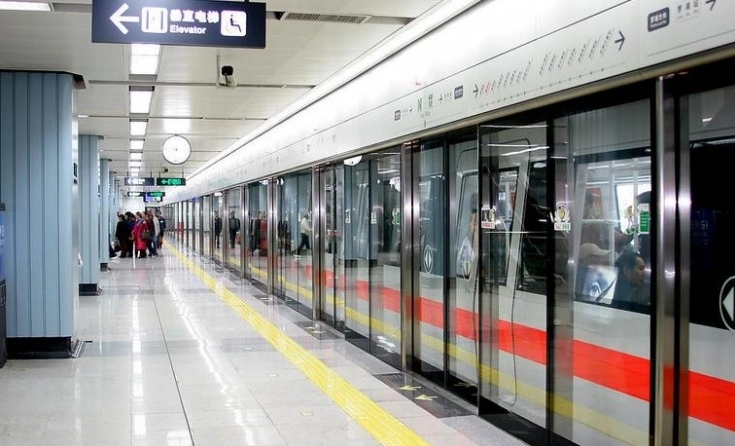
Navigating the App: Hidden Features
Most tourists only use the QR code scanner and miss the real power of the app. Let me show you three features that will make your rides smoother.
Real-Time Train Crowdedness
Tap the “Line” tab at the bottom, then select any line. You’ll see color-coded dots for each station: green (uncrowded), yellow (moderate), red (packed). I always check this before entering. If I see a red dot ahead, I either wait for the next train or walk to a less busy carriage. My clients love this — they avoid the crushing crowds during rush hour.
Exit Information with Landmarks
When you plan a route, tap any station to see “Exit Guide”. It lists every exit letter and the landmarks nearby. For example, exiting from Forbidden City, East Gate? The app tells you to use Exit B from Tiananmen East station. It even shows a small map. I’ve saved my group 15 minutes of aimless walking using this.
Lost and Found Service
Yes, the subway app has a built-in lost and found. In the “My” tab, there’s a “Lost & Found” button. You can report a missing item with the train line, time, and description. I had a client who left her phone on Line 2 — we reported it through the app and got it back within 4 hours. The process is in Chinese, but the app’s customer service can handle basic English if you call.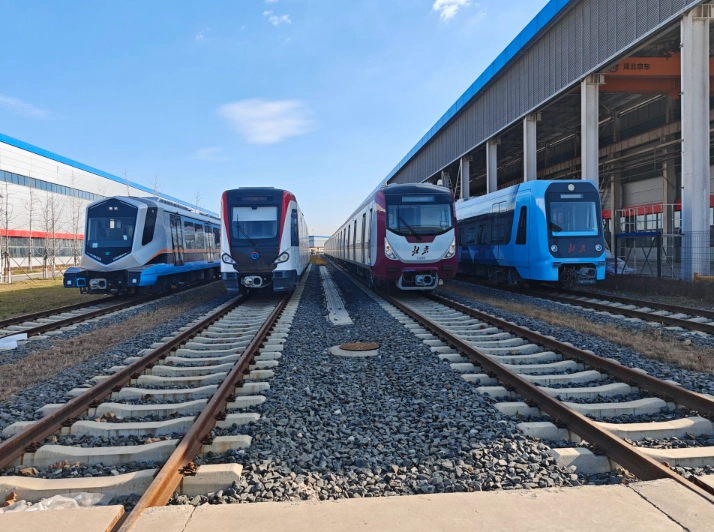
Common Pitfalls and How to Avoid Them
I’ve seen almost every mistake possible. Let me save you the headache.
- Pitfall 1: Not activating the app before entering the station. The app needs a data connection to generate the QR code. If you’re underground without signal, you’re stuck. Solution: Open the app before you descend the stairs and let it load. It works offline for a short while after.
- Pitfall 2: Forgetting to top up. The app won’t generate a QR code if your balance is negative. I always remind clients to check balance every morning. A good habit is to keep at least 50 RMB in the app wallet.
- Pitfall 3: Using the wrong QR code. There are two QR codes in the app: one for entering and one for exiting. They are different. To avoid confusion, always use the “Ride” tab — it shows the correct code based on your location. Exiting requires scanning again, so don't close the app until you're through.
- Pitfall 4: Assuming all machines accept the app. Some older gates (especially on Line 1) still require a ticket. But 99% of gates now have QR code scanners. If you find a gate without a scanner, just move to the next one — they’re usually adjacent.









As someone who uses transit apps in 20+ cities, this one stands out. The combination of live queue length display and mobile ticket validation is genius — I timed it perfectly at the Lama Temple station during peak hour, saved at least 10 minutes. Also love the 'crowdedness indicator' per carriage. Did have one glitch where the route planner suggested a weird transfer at Dongdan, but it only happened once. Otherwise flawless. Easily the best subway app I've used in China.
WOW. This app is the reason I didn't end up crying in a Beijing subway station. I arrived at Beijing West Railway Station completely jet-lagged and lost, but the app's offline maps and real-time queue status guided me to a quiet ticket machine (no wait!) and then straight to my hotel line. The vibration alert when the next train arrives is such a thoughtful touch. Used it for 5 days straight and never queued once. My only regret is not downloading it sooner.
Absolute lifesaver! I'm a solo traveler with zero Chinese, and this app made the subway feel like a breeze. The queue-skip feature is brilliant — bought a multi-day pass in seconds and walked right past a 20-person line. The directions are super clear with step-by-step arrows, and the estimated travel times are spot-on. Even the crowded line 2 at rush hour was no stress because I knew exactly which car to get on for the best transfer. Love it!
Pretty solid app overall. Saved me a lot of time skipping the ticket line at Tiantan East Gate station — just scanned my phone and went through. The station exit info is super handy. Only reason I'm not giving 5 stars is the English translations feel a bit clunky in some menus, and I had to guess a few icons. But for a first-time visitor to Beijing, it's way better than fumbling with cash and maps. Would recommend with the heads-up.
Honestly, the idea is great, but the execution needs work. I tried using the app to buy a ticket from Wangfujing to the airport, and it kept crashing on the payment screen. Ended up just queuing anyway. The live map is decent when it works, but there were several times the GPS showed me walking in the wrong direction. For a free app it's okay, but I wouldn't rely on it for a tight schedule.