 Ting Chen
Quick Navigation
Three hours. That's how long my clients waited in the sun at the South Gate last week. Forget the glossy brochures—if you don't know the exact WeChat mini-program trick, you aren't getting in. And that's just one app. Beijing runs on apps, not cash. Every foreign visitor hits the same wall: downloading and setting them up before or upon arrival. Here's exactly how to skip the queues, handle the payment nightmare, and navigate Beijing like you've lived here for years.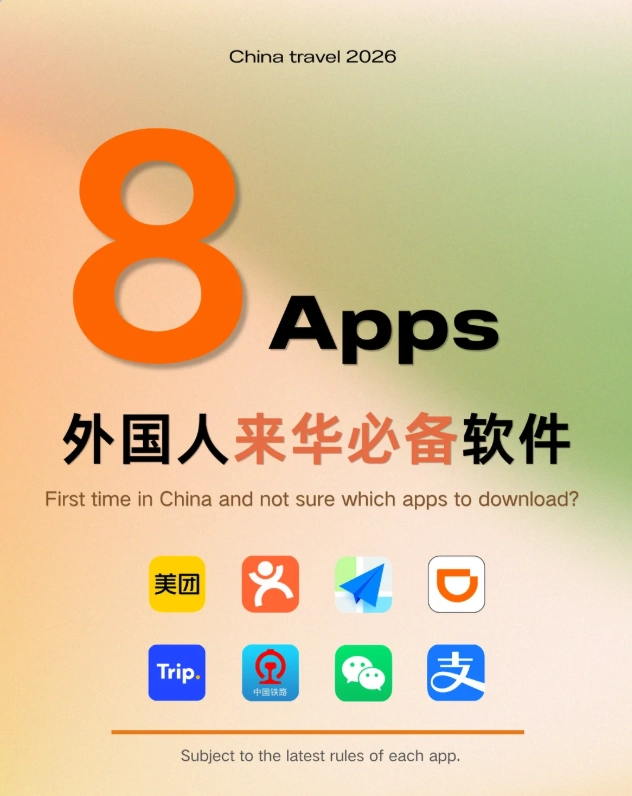
Why You Can't Just Use Google Maps in Beijing
Google is blocked. So is Google Maps. Even with a VPN, the public transit data is outdated and often shows wrong exits. I've had clients walk in circles for 20 minutes because Google Maps said a bus stop existed that doesn't. The only reliable option is Gaode Maps (Amap) or Baidu Maps—both in Chinese, but with enough English guidance in this guide, you'll manage.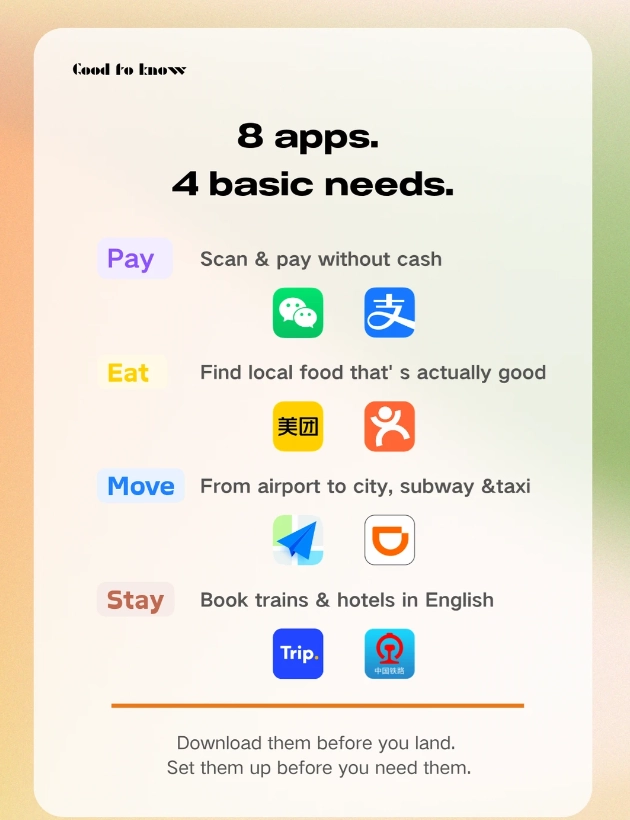
The 6 Must-Have Beijing Travel Apps
Here's my curated list, tested on dozens of trips with first-timers. No fluff—just what you actually need.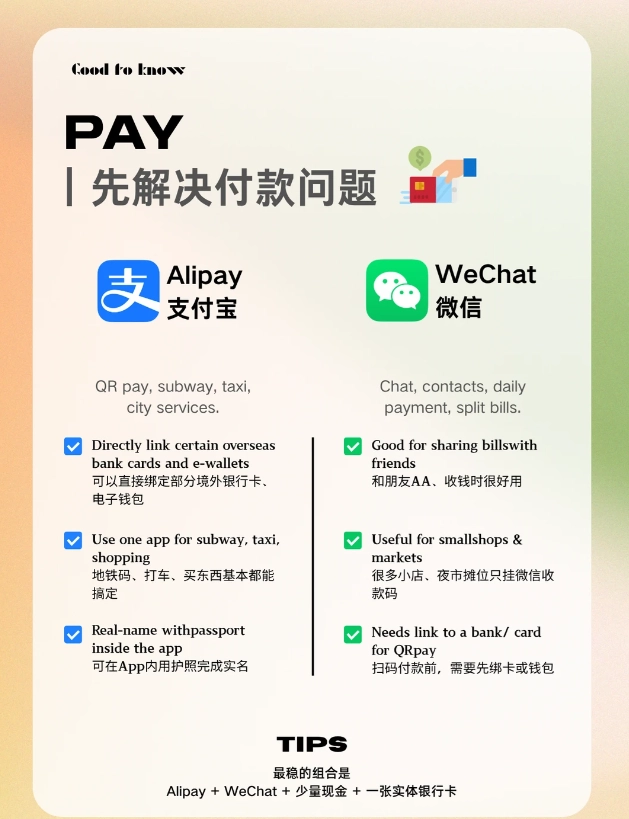
WeChat – Your Everything App
WeChat is not just messaging. It's your wallet, your ticket portal, your restaurant menu scanner, and your taxi caller. Every business in Beijing uses its mini-programs. For attractions like the Forbidden City, you must book via WeChat's official mini-program—no other way. Download it from your app store before you go. Set up the wallet after you arrive and link a foreign credit card (Visa, Mastercard work for most merchants now).
Alipay – The Digital Wallet
Alipay is accepted everywhere—street food carts, metro ticket machines, even some taxis. It's easier than WeChat for payments because the interface has an English version. Download and link your card. Catch: some mini-apps inside Alipay (like bike sharing) may still require a Chinese ID verification, but for 90% of payments it's flawless.
Didi Chuxing – Beijing Taxi Alternative
Taxis in Beijing often refuse foreigners, especially during rain or rush hour. Didi solves that. It's like Uber. You can book a ride, set pickup location via map pin, and pay automatically linked to Alipay or WeChat. The app has an English interface. I always tell my clients: install Didi, because hailing a cab on the street in 35°C heat with no shade is a special kind of torture.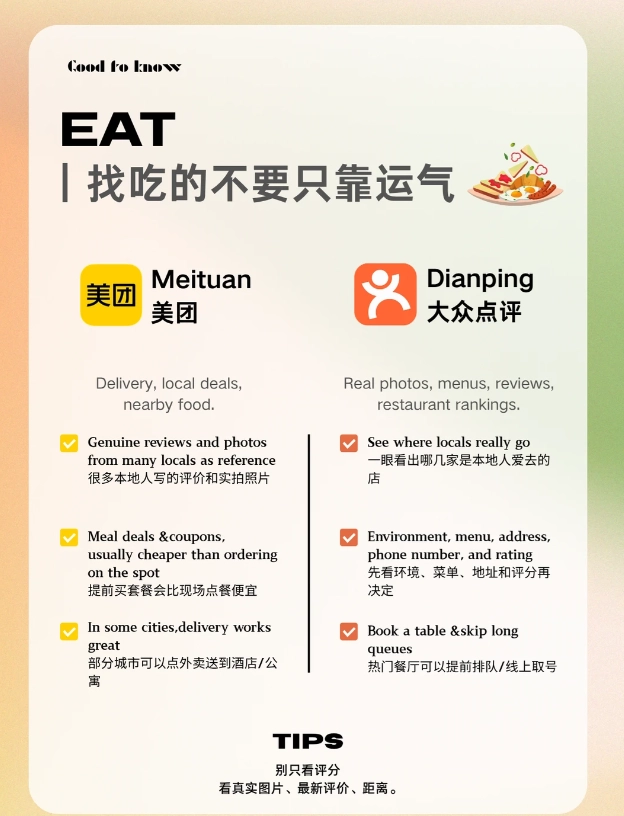
Gaode Maps (Amap) – Better than Google Maps
Gaode is the mapping app used by locals. It shows real-time bus arrivals, subway carriage crowding levels, and even the best exit for your destination. Switch to English mode: Settings > Language > English. It's not perfect English, but understandable. Use it for walking directions too—it guides you through underground passages that Google misses.
Trip.com (Ctrip) – Booking Trains & Hotels
For high-speed trains to the Great Wall or other cities, Trip.com (formerly Ctrip) is the go-to. It accepts foreign credit cards directly, and you can pick up paper tickets at the station with your passport number. The app also books hotels, flights, and even day tours. I've used it dozens of times—never had a booking fail.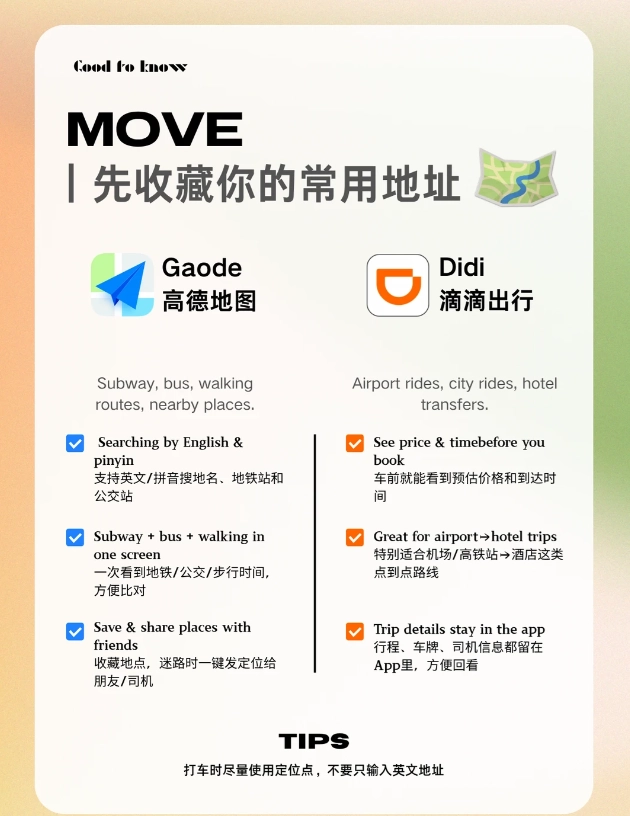
Pleco – Chinese Dictionary Savior
Pleco is an offline dictionary with OCR. Point your camera at a Chinese menu or sign, and it translates. It's a lifesaver in restaurants without English menus. Download the free version and add the 'OCR' add-on. It's cheap and worth every penny.
| App | Primary Use | English Support | Payment Link Needed |
|---|---|---|---|
| Social, payment, booking | Partial (mini-programs mostly Chinese) | Yes (credit card) | |
| Alipay | Payments | Full English mode | Yes (credit card) |
| Didi Chuxing | Taxi hailing | Full English | Optional (pay via Alipay/WeChat) |
| Gaode Maps | Navigation | Basic English | No |
| Trip.com | Train & hotel booking | Full English | No (direct credit card) |
| Pleco | Translation | English interface | No |
How to Download Beijing Travel Apps (Step-by-Step)
Before You Leave Home: Pre-install What You Can
All these apps are available in the Apple App Store or Google Play globally. Download WeChat, Alipay, Didi, Gaode Maps, Trip.com, and Pleco onto your phone while still at home. This avoids China's slow internet and app store restrictions. Important: Do not create a WeChat or Alipay account until you have a Chinese phone number? Actually, you can start registration with your international number, but full activation (especially wallet) may require identity verification later. I suggest registering after you get your domestic SIM.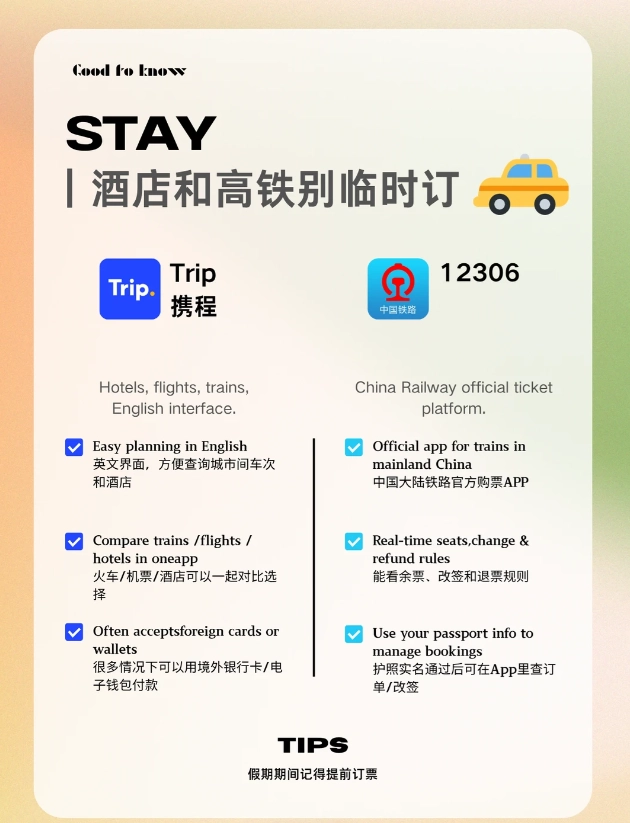
Upon Arrival: Get a Local SIM Card or eSIM
For full functionality, you need a Chinese phone number. At Beijing Capital Airport, head to the China Mobile or China Unicom counters in the arrivals hall. They offer tourist SIMs valid 7-30 days with data. Prices start around ¥100. Alternatively, buy an eSIM from Airalo or Holafly before you go—just ensure it includes a Chinese phone number (some data-only eSIMs don't). With a local number, you can register WeChat, Alipay, and Didi seamlessly.
Using QR Codes to Download Apps
Can't find an app in your home store? QR codes to the rescue. Many Beijing hotel lobbies have QR posters for WeChat, Alipay, and Didi. Scan with your phone's camera to go directly to the download page. If you're stuck, open your browser and search 'download WeChat apk' (Android) or change your Apple ID region to 'China' temporarily. Warning: Changing Apple ID region requires canceling subscriptions and having a payment method from the new region. Instead, ask your hotel front desk to share the app via AirDrop or a direct link.
Common Payment Hurdles and How to Bypass Them
Yes, navigating the WeChat mini-program in pure Chinese to book a ticket is a nightmare. I get it. But don't panic. Most booking mini-programs now have an 'English' or 'International' version. For the Forbidden City, use the official site (en.dpm.org.cn) instead of the WeChat one. For train tickets, Trip.com handles everything in English and payments directly.
The biggest hurdle: linking a foreign credit card to WeChat/Alipay. Visa and Mastercard are accepted, but sometimes the verification fails. Fix: If the app asks for a Chinese ID, choose 'Passport' option (often hidden in a small toggle). If still stuck, visit a convenience store (like 7-Eleven) and ask the clerk to add cash to your Alipay balance—they have a 'top-up' service for foreigners. Yes, it's annoying, but after you do it once, you're set for the trip.
Another reality: Some app features (like WeChat Pay's peer-to-peer transfer) require a Chinese bank account. You don't need that. For payments at stores, scanning a QR code and paying with your linked credit card works fine. The exception is street vendors—they often only accept WeChat/Alipay balance. Solution: keep ¥100-200 in small bills for those moments.








No comments yet.