 Chen Liu
Your Quick Navigation Menu
- 1. Your Digital Lifeline: Mobile Payment & Data
- 2. Your Key to the World: A Reliable VPN
- 3. Navigate with Ease: Mapping & Translation Apps
- 4. Your Transport Hub: The Didi App
- 5. Your Cash Backup Plan
- 6. Essential Communication Tools
- 7. Your Health & Safety Net
- 8. The Gift of Baggage Freedom
- Your China Trip FAQ (Answered by a Guide)
Let's be honest. The most common question I get from first-timers isn't about the Great Wall. It's a panicked look at their phone followed by, "Why is nothing working?" After a decade of guiding families and solo travelers through China's dizzying cities and serene countryside, I've learned one truth: a smooth trip isn't about the sights you see, but the services you have set up before you land. Forget packing the perfect socks. If you get these eight things sorted, you'll glide through China while others are stuck at the airport currency exchange, sweating. This isn't a generic listicle; it's my field manual, the stuff I walk every client through over coffee before we hit the road.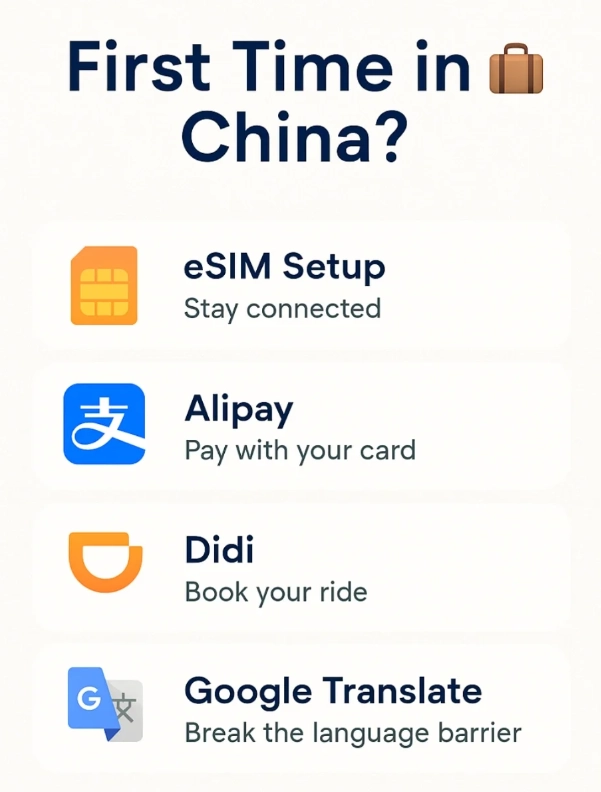
1. Your Digital Lifeline: Mobile Payment & Data
Cash is a museum piece here. I watched a street vendor selling steamed buns for 2 RMB (about 30 cents) turn away a tourist with a 100 RMB note because he had no change. He pointed to the QR code. That's China.
How to Set Up WeChat Pay or Alipay as a Foreigner
It's possible, but start at least a week before your trip. You'll need:
- A passport.
- A Chinese phone number (see next point).
- A foreign credit/debit card (Visa/Mastercard). Link it directly in the "Wallet" section.
- Complete the verification. Sometimes it asks for a selfie with your passport.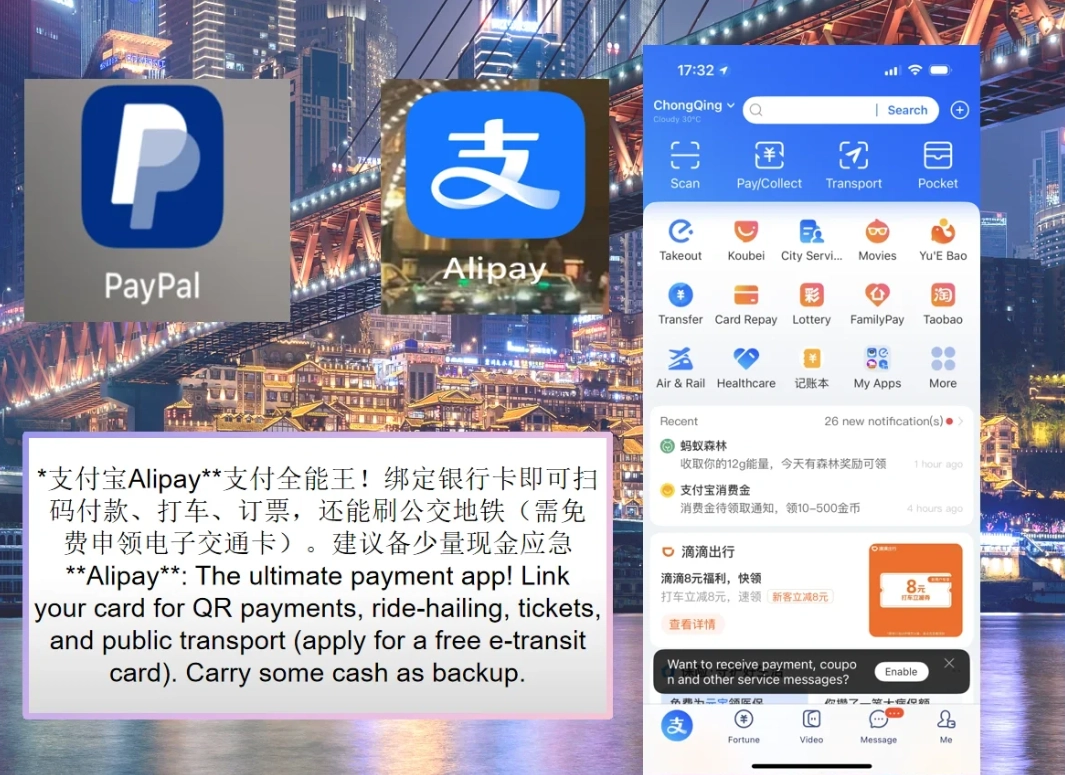
Getting Connected: eSIM vs. Physical SIM
You need data the second you land. Here’s the breakdown:
| Option | How & Where | Cost (Approx.) | My Recommendation |
|---|---|---|---|
| Pre-purchased eSIM | Buy online from providers like Airalo or Nomad before you fly. Install digitally. | $20-40 for 10GB/30 days | Best for convenience. Works the moment you turn off airplane mode. Perfect for short trips or tech-comfortable travelers. |
| Airport SIM | Counters at major airports (Beijing, Shanghai). Bring passport. | 150-300 RMB for package | Fast but pricier. Staff often speak English. Good if you need help setting up. |
| City Center Shop | China Mobile/Unicom stores. Use maps app to find one. | 100 RMB for 30GB/30 days | Best value. What locals do. I take clients here after checking in. A bit of charades is involved, but it's cheap. |
2. Your Key to the World: A Reliable VPN
Google, Gmail, Instagram, WhatsApp, Facebook—all blocked. This is non-negotiable. You need a VPN.
Do NOT wait until you land to download or subscribe. The app stores here don't have them. I've had clients spend their first night in a hotel lobby using sketchy free VPNs just to email home. Don't be that person.
My Top Picks for China: ExpressVPN and Astrill have historically been the most reliable at bypassing the "Great Firewall." Servers in Hong Kong, Japan, or the USA usually work best. Subscribe for the full length of your trip before you depart. Install the app on all your devices.
3. Navigate with Ease: Mapping & Translation Apps
Google Maps is borderline useless here—it's blocked, and the data is often wrong. Delete it from your mind.
Apple Maps works surprisingly well in China for basic navigation and transit. But the gold standard is Baidu Maps or Amap. They're in Chinese, but you can search in English ("Forbidden City," "Beijing Railway Station"). The magic is in the details: they show you which subway car to board for the quickest exit, real-time bus locations, and even crowd levels for tourist spots.
For translation, Pleco (for dictionary) and Google Translate (download the Chinese language pack offline) are your best friends. The camera translate feature is a lifesaver for menus. But here's a pro tip: for complex questions ("Does this dish contain peanuts?"), use the voice translation in WeChat. Hold the button, speak English, and it outputs Chinese audio. I've used this to explain a client's severe shellfish allergy to a chef—it felt more direct and human than shoving a phone screen at him.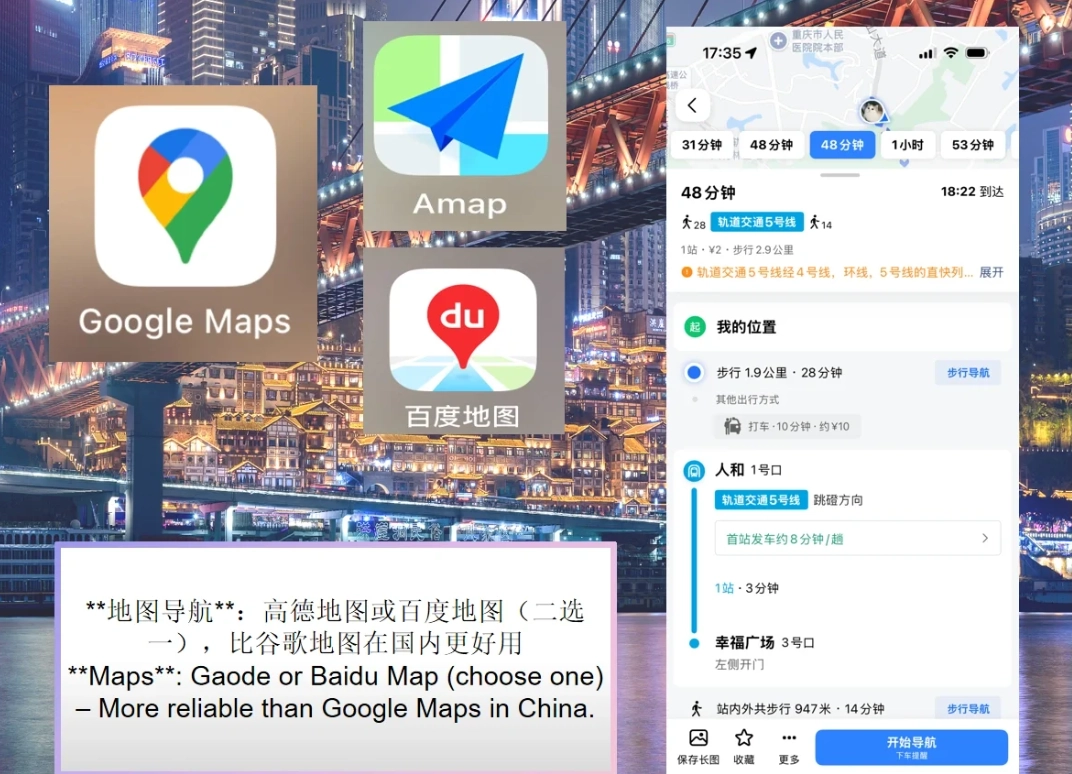
4. Your Transport Hub: The Didi App
This is China's Uber. It's cheaper than taxis, you input your destination in English, and there's no cash needed—it charges your linked WeChat or Alipay. The interface is almost identical to Uber.
Download the international version (Didi Chuxing) before you come. Verify your account with your passport and foreign number. When you hail a ride, you'll see the license plate, driver's face, and real-time route. I use it multiple times a day.
What most tourists miss: The "English Service" option. After you input your destination, tap the blue headset icon in the top right. This connects you to an English-speaking Didi agent who will talk to the driver for you if there's a pickup issue. It's a game-changer.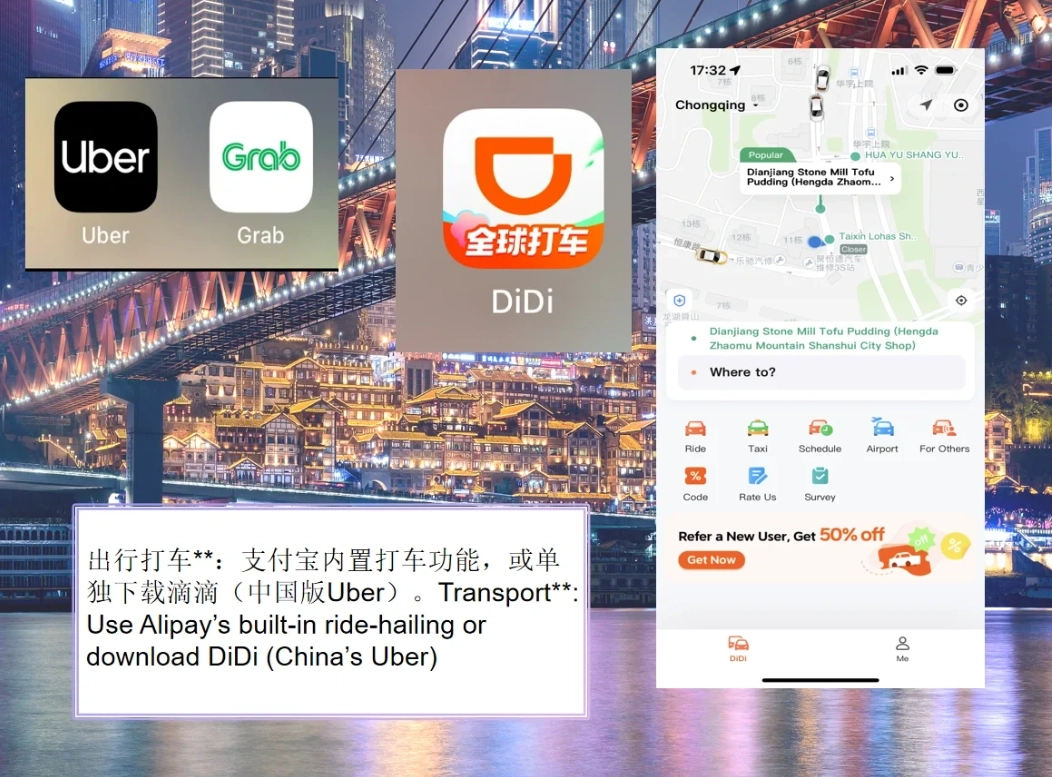
5. Your Cash Backup Plan
I said cash is dead, but you still need some. About 5% of transactions might require it: small family-run shops, some temple entrance fees, or giving a tip to a fantastic guide (hint, hint).
How to get it: Use your foreign debit card at an ATM at a major bank (ICBC, Bank of China, China Construction Bank). Decline the ATM's offered conversion rate (it's terrible). Your home bank's rate is better. Withdraw a few hundred RMB to start.
What no one tells you: Keep those crisp, new 100 RMB notes the ATM gives you. Vendors and even some ticket offices have counterfeit detectors and are suspicious of old, crumpled foreign bills. I've seen a perfectly real but well-traveled 100 USD note get rejected.
6. Essential Communication Tools
WeChat is your everything app: payments, translation, messaging. Make sure it's working.
For calling hotels or restaurants, use your local SIM. For calls back home, use WhatsApp/ FaceTime/Skype over your VPN. Data calls are usually clearer and free.
Email access is critical for hotel confirmations and e-tickets. Set up your Gmail or Outlook to work with your VPN beforehand. Know your login details. I once spent 45 minutes with a client who couldn't remember his Gmail password to retrieve his bullet train ticket QR code. Not fun.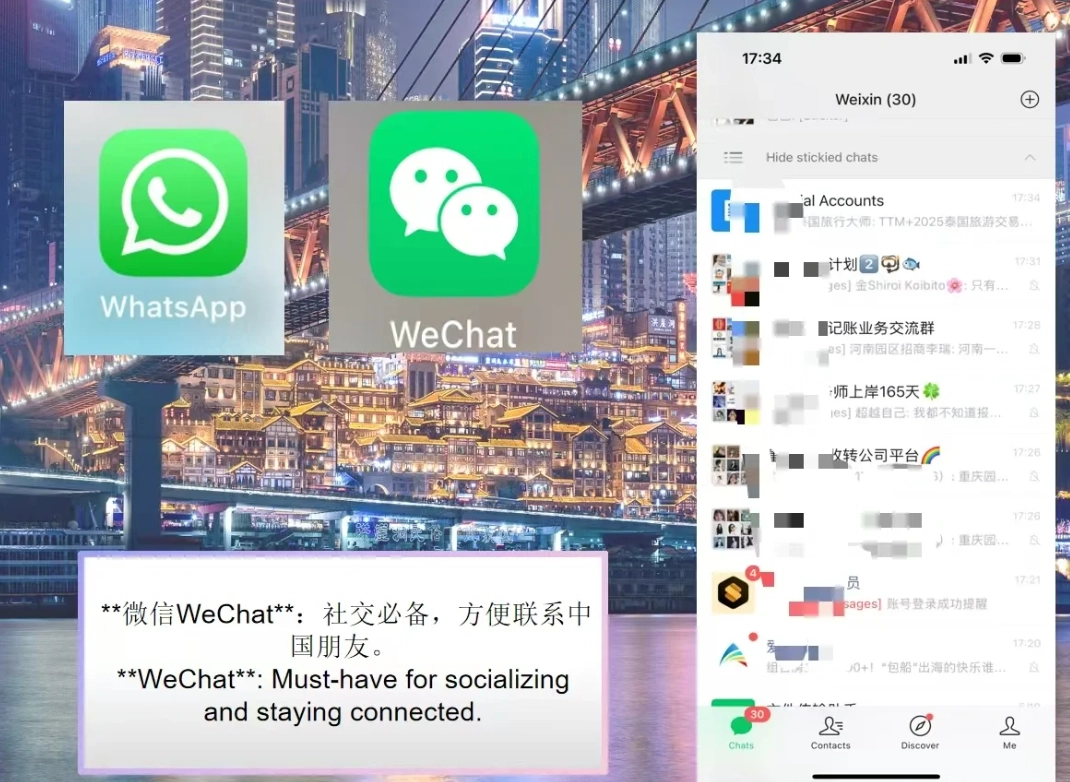
7. Your Health & Safety Net
Travel insurance is a must. But beyond that, know how to find help.
Pharmacies are everywhere. For common ailments, you can often point. For prescriptions, bring more than you need in original containers.
Save these numbers in your phone:
- Police: 110
- Ambulance/Fire: 119
- Medical Emergency: 120
Better yet, have your hotel's business card or address saved in Chinese on your phone. You can show it to any taxi driver if you get lost.
8. The Gift of Baggage Freedom
This is my secret weapon for multi-city trips. Instead of dragging your suitcase from Beijing to Xi'an to Shanghai, use a baggage forwarding service.
Companies like SF Express or hotel concierges can ship your large suitcase directly to your final city's hotel. It costs about 100-150 RMB ( $15-22) for a 20kg suitcase sent across the country and takes 2-3 days. Travel for three days with just a backpack, then your clean clothes are waiting for you at the next hotel. I've done this on hiking trips to Zhangjiajie—arriving sweaty and having my main luggage already in the room is pure bliss.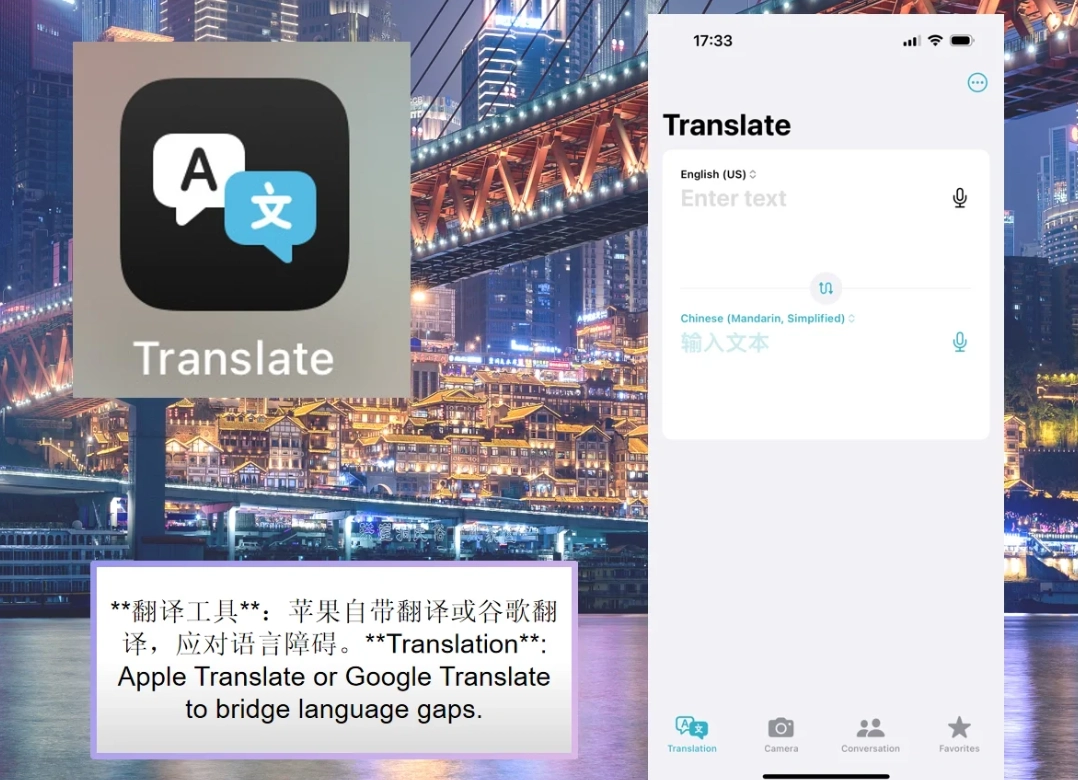
Your China Trip FAQ (Answered by a Guide)
Can I use Google Maps if I have a VPN?
Technically, yes, but I wouldn't rely on it. Even with a VPN, Google's map data for China is incomplete. It often lacks building footprints, shows incorrect business hours, and its walking directions can be dangerously wrong (I've seen it try to route people down highway on-ramps). Use Apple Maps or bite the bullet and get used to Baidu/Amap. It's worth the slight learning curve.
My foreign card won't link to Alipay. What now?
This happens. The system can be finicky. Your immediate solution is cash. Take that cash to a Bank of China branch, go to a teller, and say "Alipay chong zhi" (Alipay top-up). They'll help you deposit cash directly into your Alipay balance. For WeChat Pay, you can sometimes have a Chinese friend send you a "red packet" (a money transfer) and you can receive it into your balance without a linked card, but the cash method at the bank is more reliable for tourists.
Is it safe to use public WiFi with a VPN?
Safer than without one, for sure. Your traffic is encrypted through the VPN tunnel. But for absolute security, especially for online banking, I tell my clients to use their mobile data (from their Chinese SIM/eSIM). It's fast, cheap, and more secure than any public network.
What's the one thing you see tourists forget most often?
A portable power bank. You'll be using your phone for maps, translation, payments, and photos all day long. Chinese power banks are cheap and good, but you need a phone that's alive to buy one. Start your day at 100% and carry a backup. I've had to lend mine more times than I can count.
How much cash should I actually carry?
After your initial setup, I recommend keeping around 500 RMB (about $70) in various small denominations (have some 10s and 20s). This covers incidentals, small purchases where the QR code is broken, tips, and temple donations. The rest should be living digitally in your WeChat or Alipay wallet.
Look, setting this up feels like homework. But trust me, doing this homework means your actual trip will be all vacation. You'll be the person smoothly scanning a code for a bubble tea while someone else is arguing with a taxi driver over change. You'll be checking your Instagram from the bullet train while others can't even load their email. Get these eight services locked in, and China opens up to you—not as a challenging puzzle, but as the incredibly convenient, modern, and welcoming place it truly is. Have a fantastic trip.
This article has been fact-checked.








No comments yet.